V3.0: The New ZippManager Experience
We are excited to announce a major milestone in the evolution of ZippManager. This update is more than just a fresh look - it is a complete technical overhaul designed to make managing your Zippsafe systems faster, more secure, and more intuitive. Beyond the aesthetics, this update ensures a smoother, more responsive user experience across all devices.
New FeaturesOfficerKey Highlights & New Features
Key Highlights & New Features
Smart Navigation & Filtering
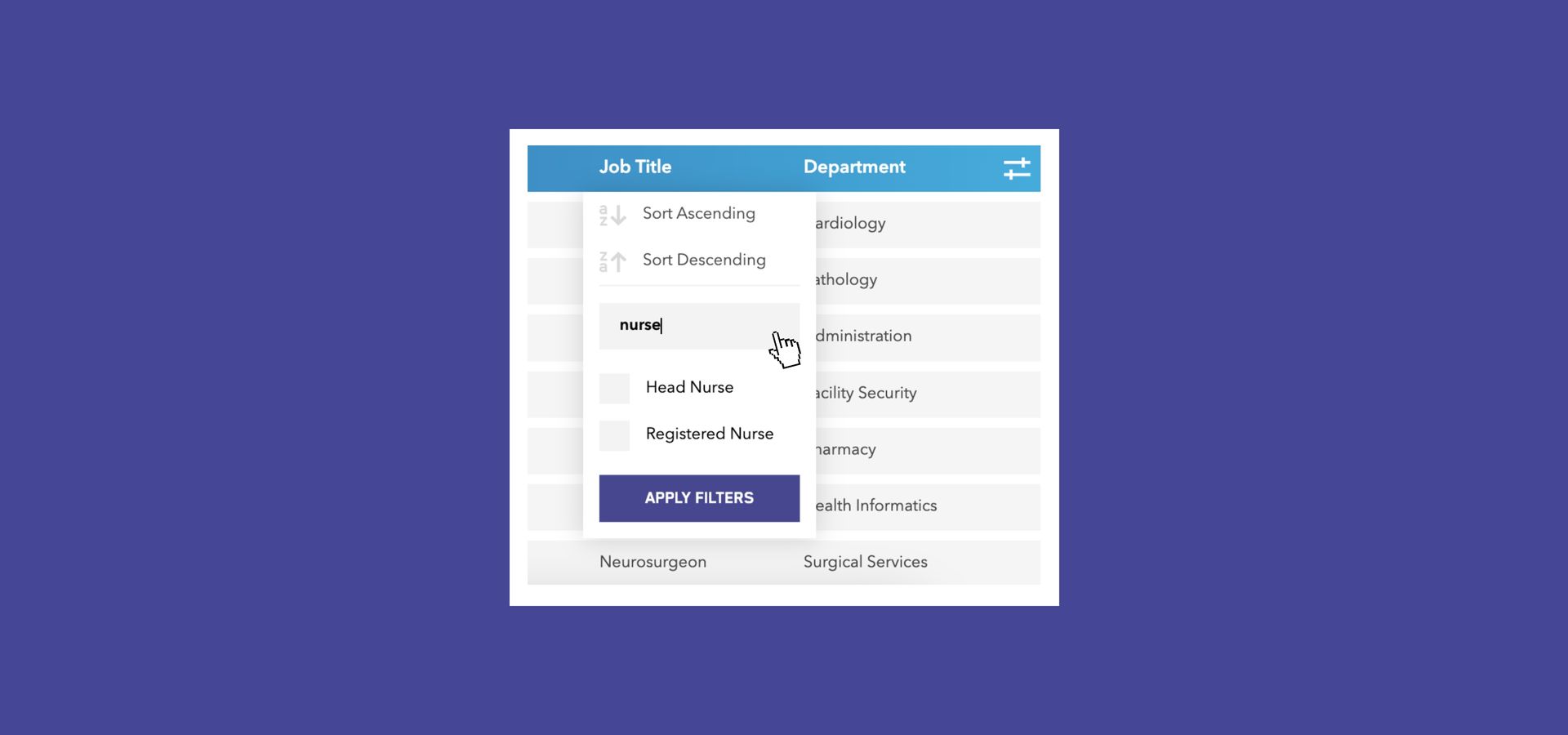
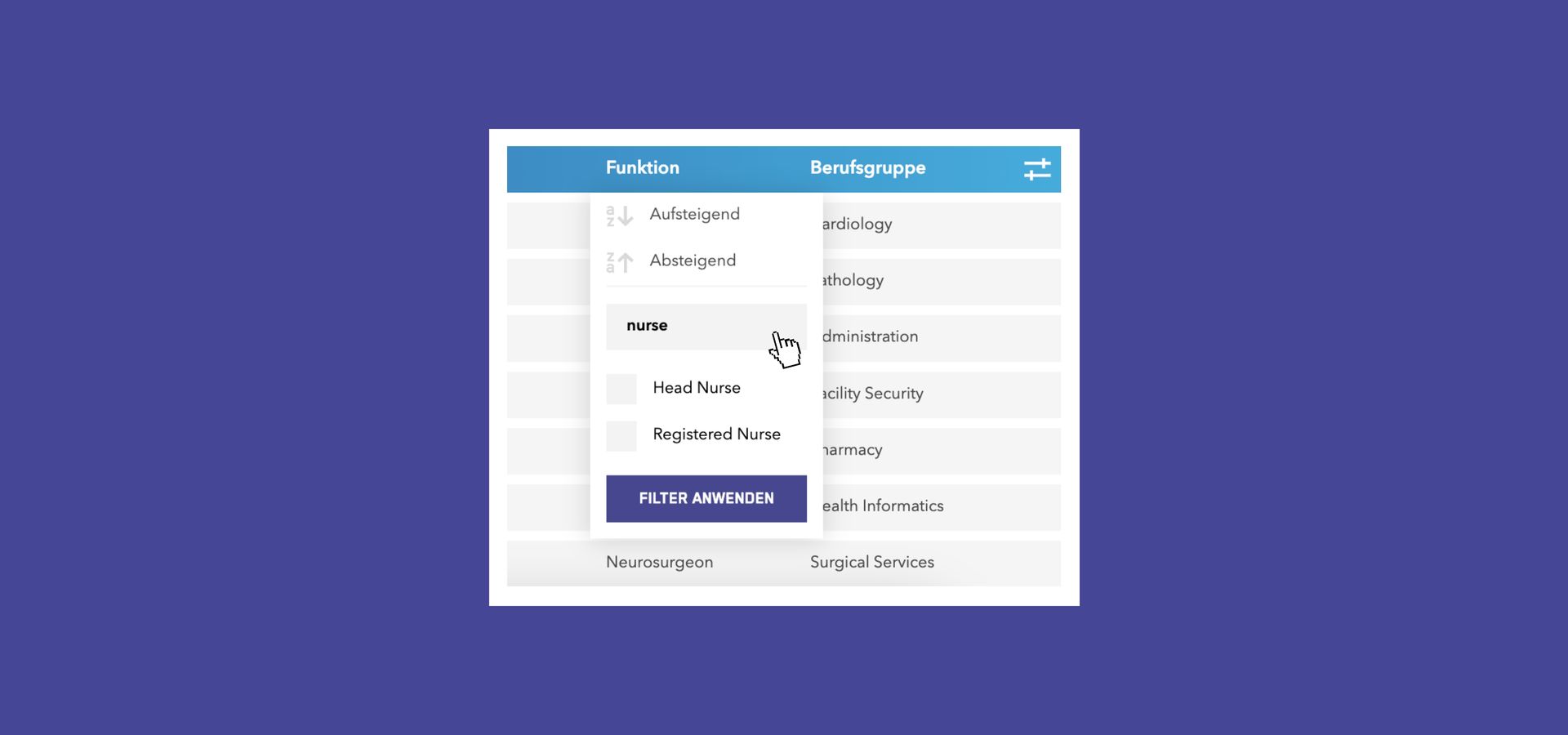
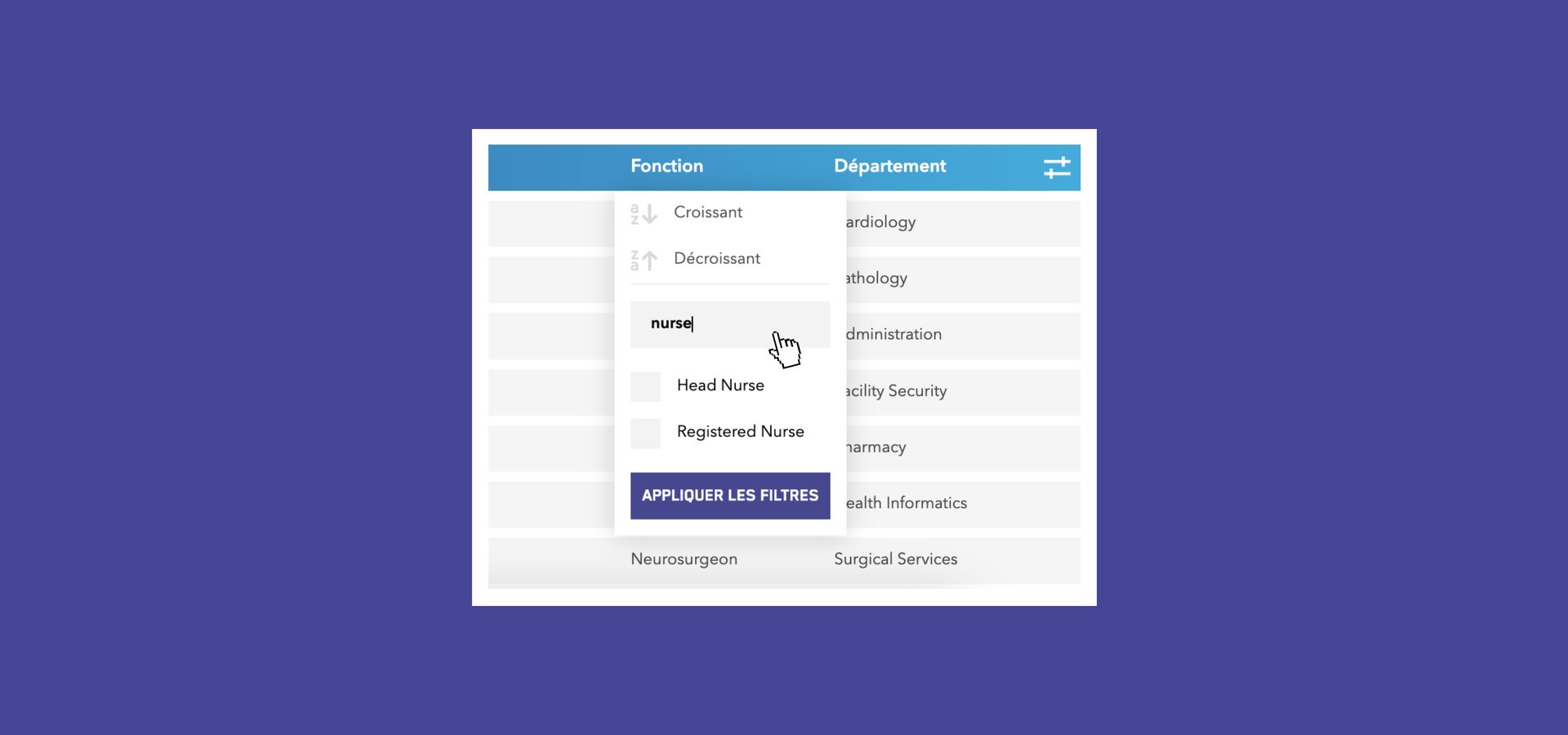
- Enhanced Filters: You can now search within filter options and select multiple criteria simultaneously.
- Interactive Dashboards: Apply filters directly by clicking on segments of the pie charts.
- Persistent Sessions: Your filter settings now stay active during your session, even if you navigate between pages.
- Breadcrumb Menu: A new navigation bar at the top helps you to keep track of where you are.
- Localized Search: Global search has been replaced by page-specific search bars for more accurate results.
Streamlined Management
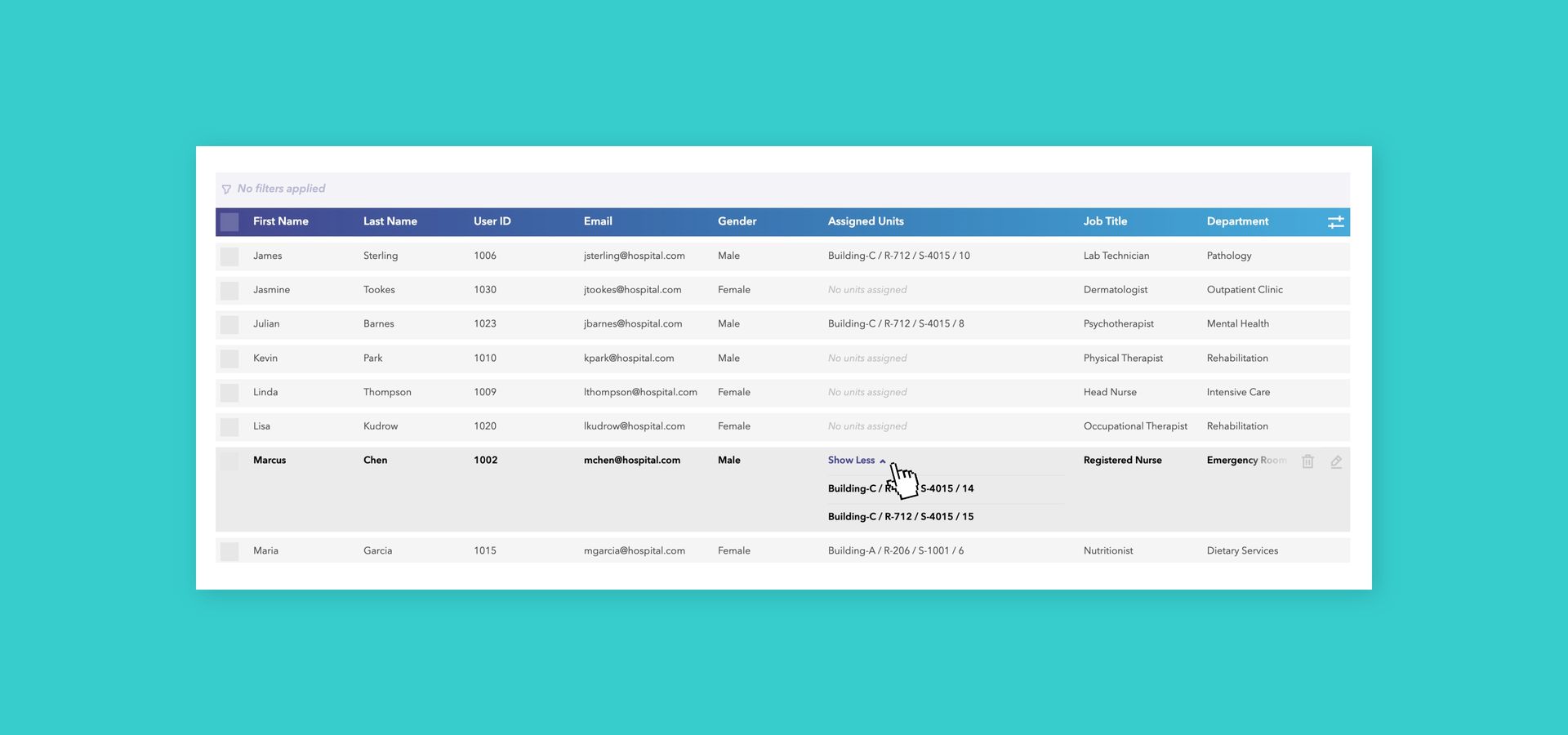
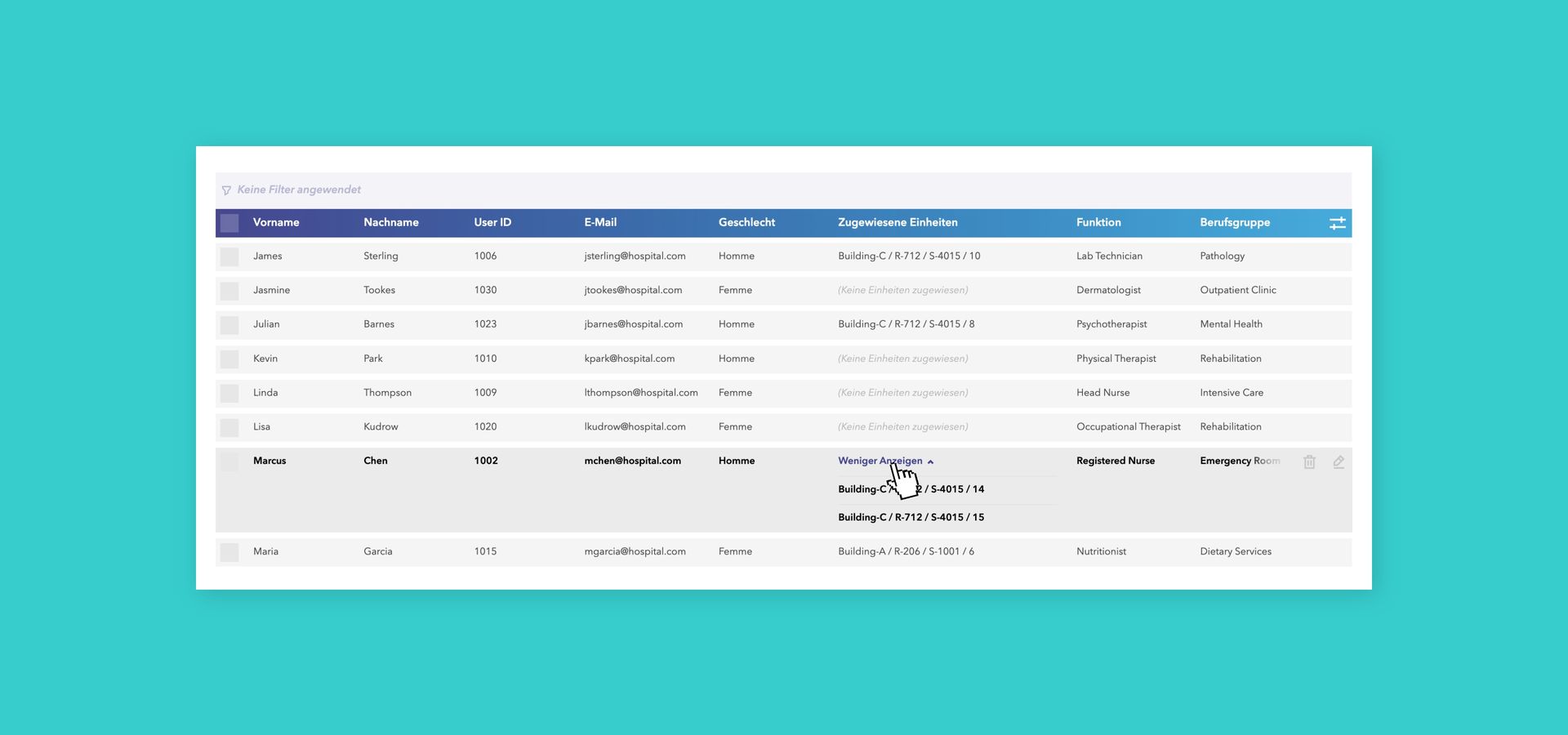
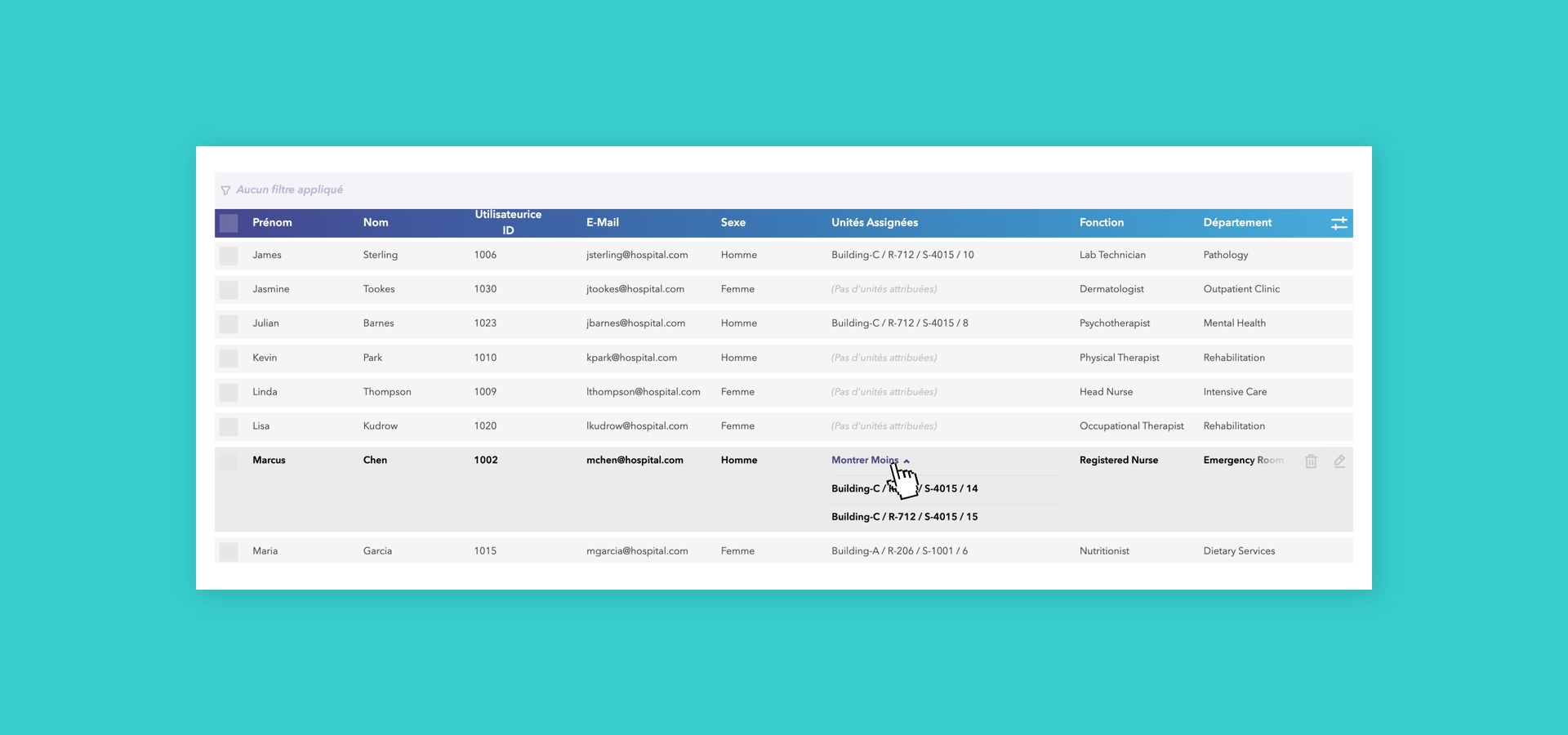
- Intelligent Tables: To save space, we’ve introduced expander cells for rows with multiple values (e.g., multiple assigned units or access groups). Simply click to expand.
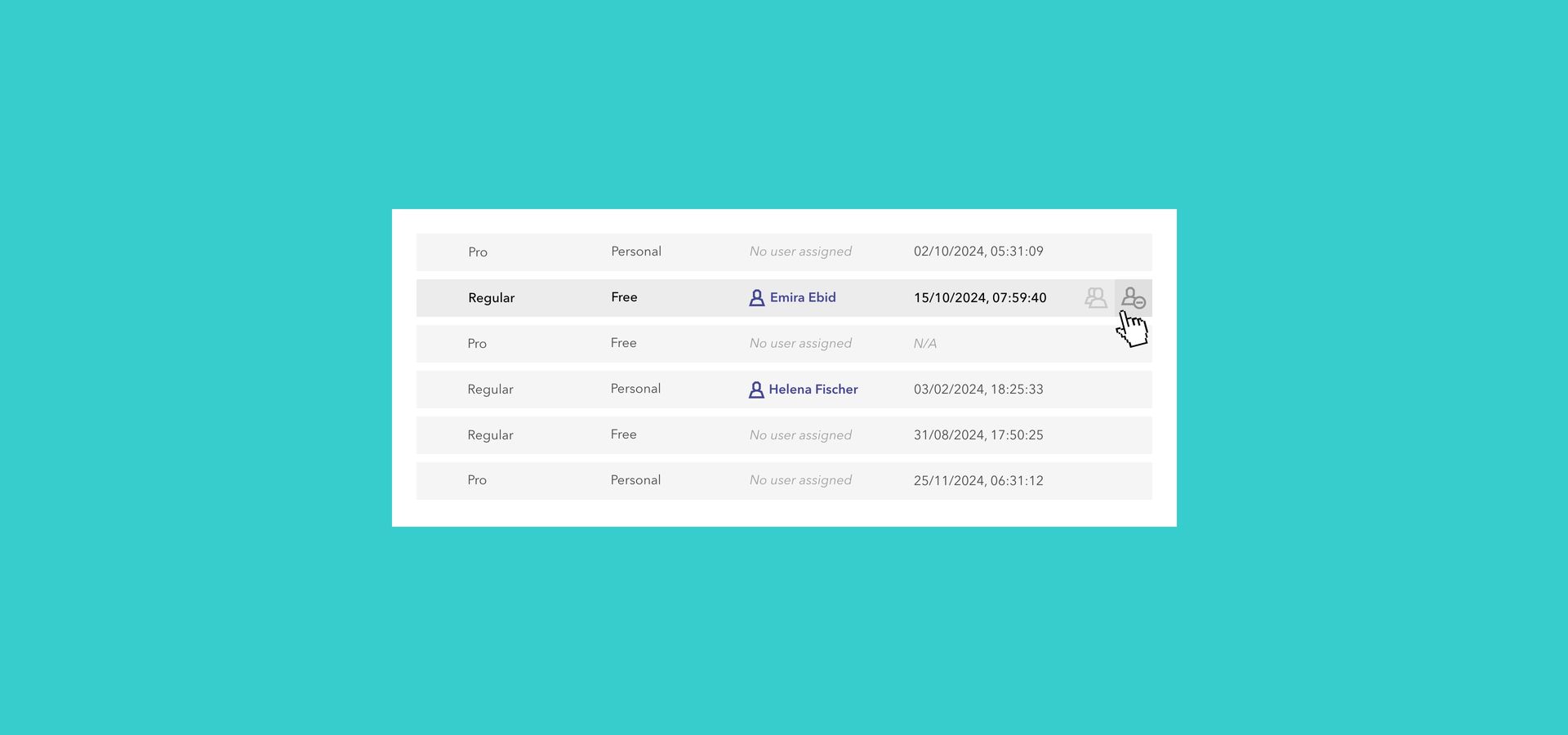
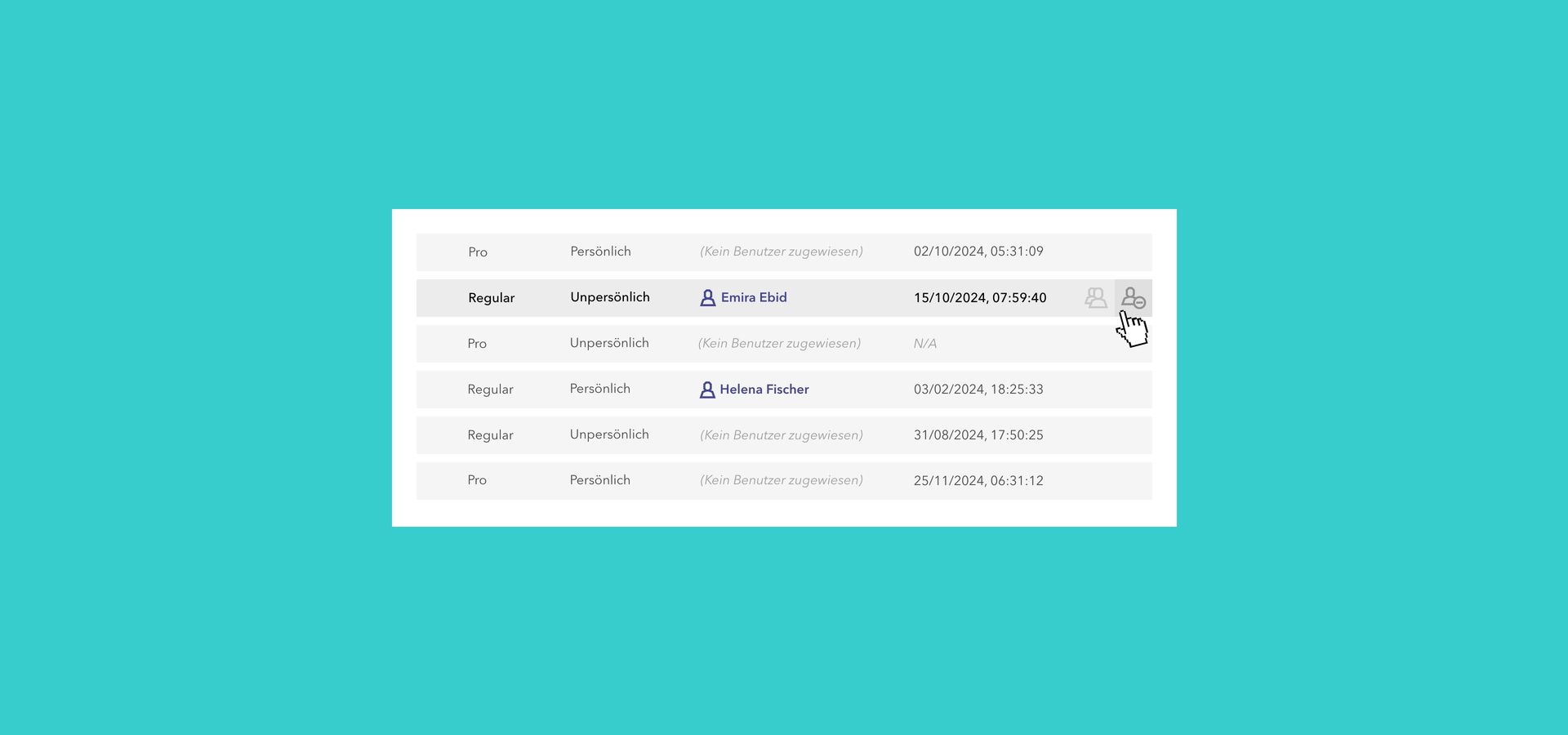
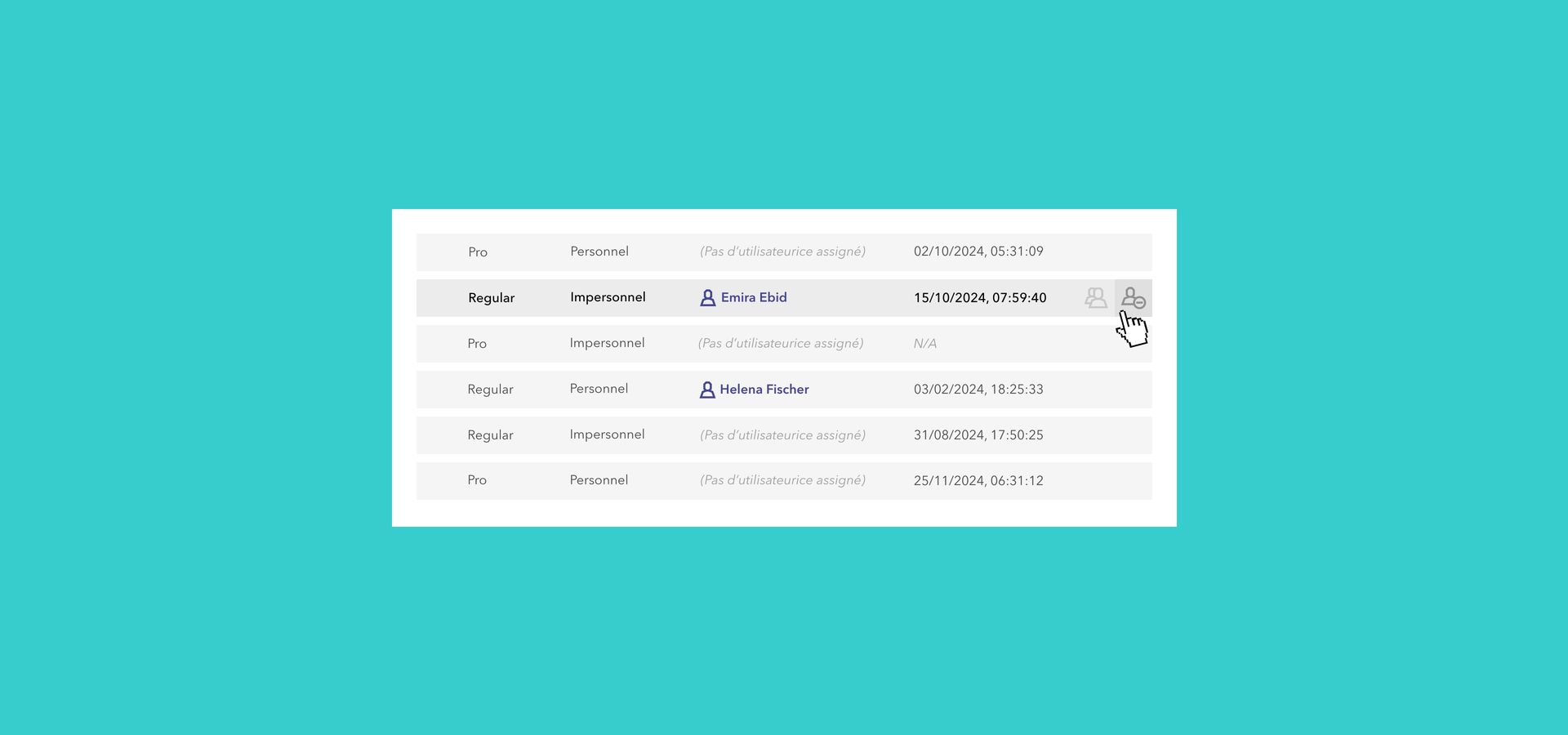
- Hover Actions: Action buttons (Edit, Assign, Delete, etc.) now appear elegantly on the right side of a row when you hover over it, reducing visual clutter.
- Batch Actions: You can now delete User Tags in batches, saving time during large-scale changes.
Detailed View Updates
- Users: First and last names are now separated into two columns for better sorting. We’ve also added an "Assigned Units" column for a quicker overview.
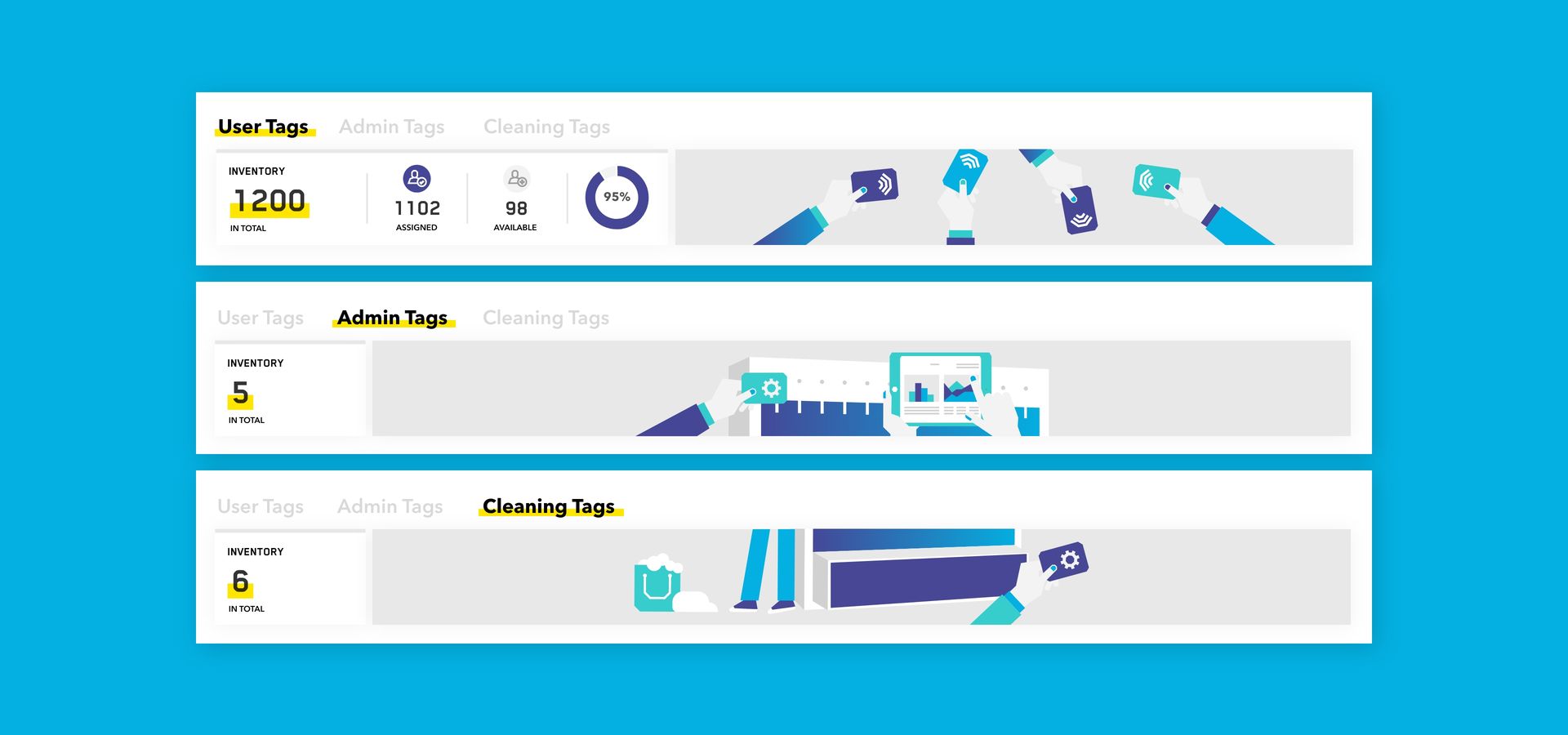
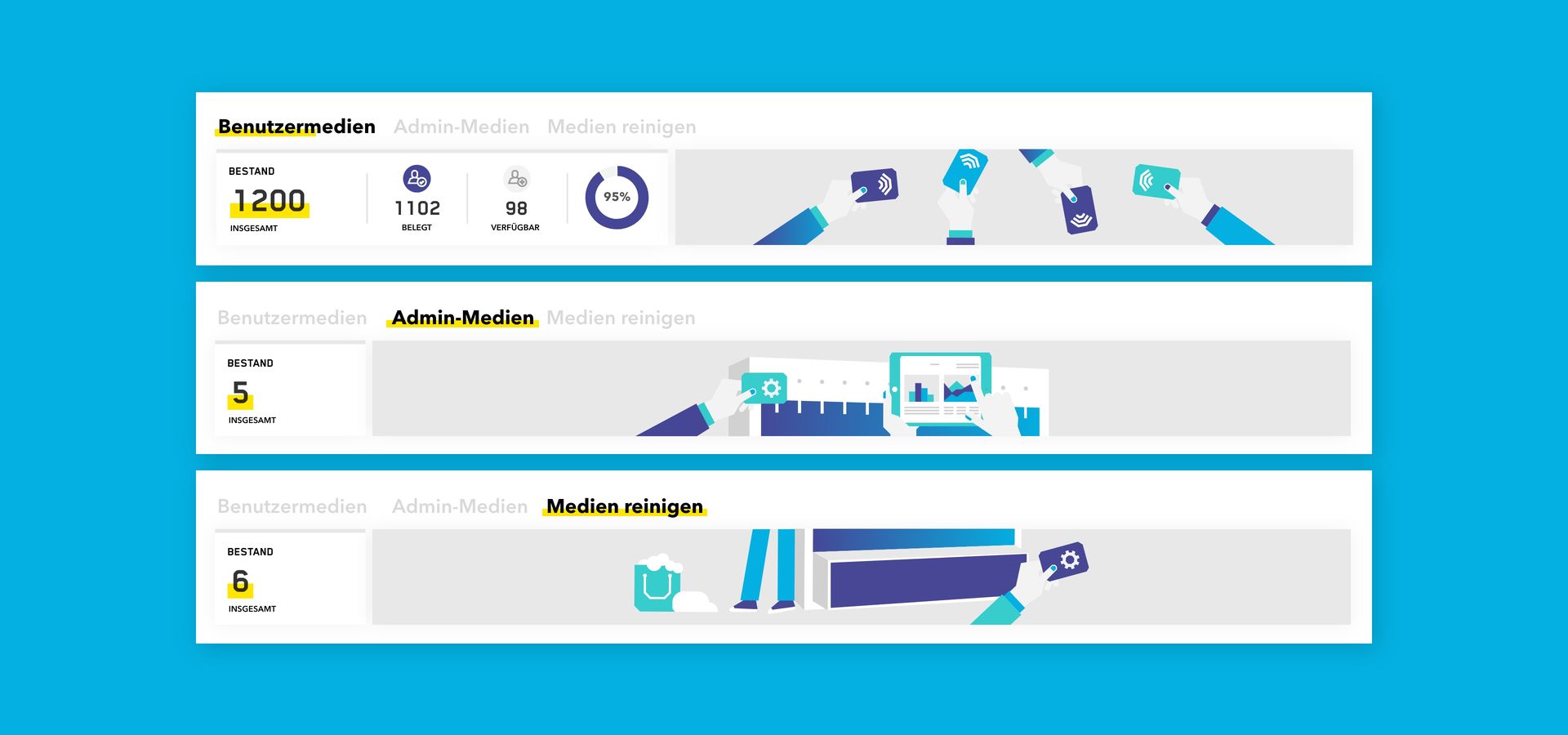
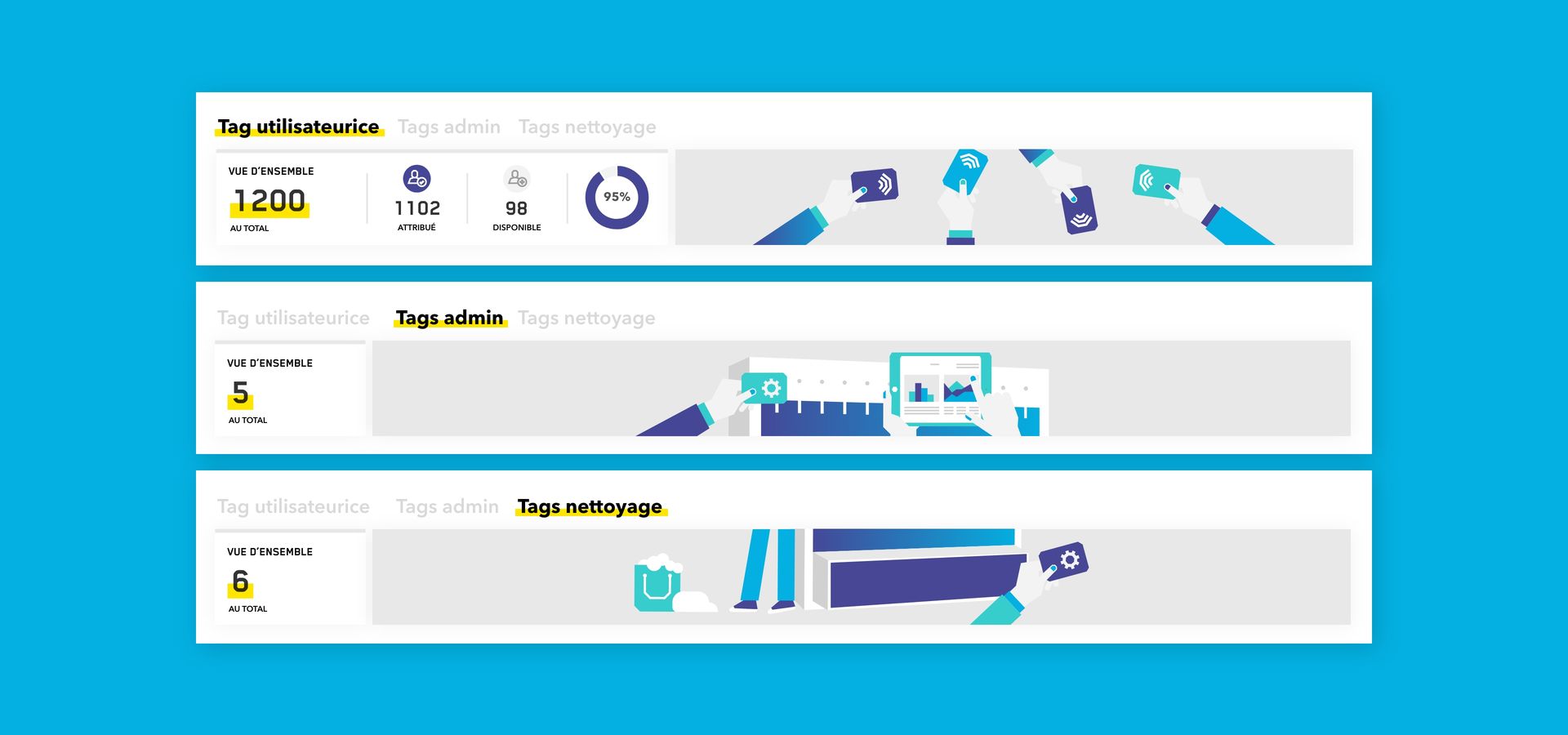
- Tags: We have reorganized tags into three clear categories: User, Admin, and Cleaning Tags. "Visitor" tags are now integrated into "User" tags for simplicity.
- Units: Introducing a new "Tag Required" warning to help you easily identify assigned users who haven't been assigned with a tag yet.
ImprovementsOfficer
Security & Technical Excellence
- Integrated Windows Authentication (IWA): For On-Premise installations, users can now log in using their Windows accounts, with roles automatically synchronized via Active Directory. Contact our Customer Success team to configure this feature for you.
- Enhanced Account Protection: To prevent unauthorized access, user accounts are now automatically locked after 10 unsuccessful login attempts.
- Upgraded Performance: The backend has been upgraded to .NET 8.0, resulting in faster processing and improved stability.
- Extended Sessions: Based on your feedback, the default session timeout has been increased from 30 to 60 minutes.
FixesOfficer
Performance Fixes
We’ve resolved several minor issues, including:
- Fixed data refresh issues after file imports.
- Corrected "Gender Mismatch" warnings during quick assignments.
- Optimized sorting for units without assigned rooms or buildings.