ZippManager v3.2.0
This release brings visibility and administrative control to your daily operations.
New FeaturesOfficerKey Highlights & New Features
Operational Transparency & Free Mode Control
Key Highlights & New Features
Operational Transparency & Free Mode Control
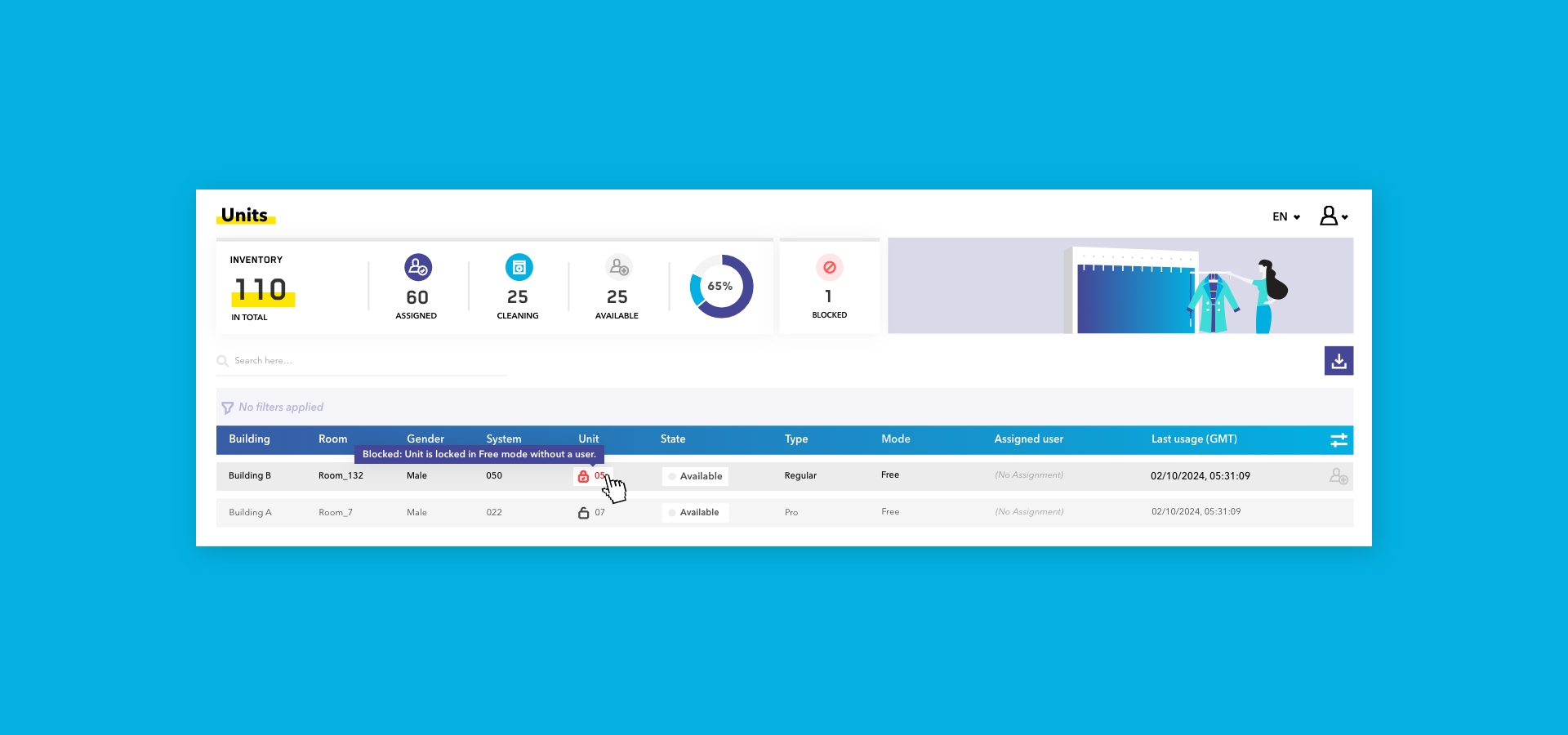
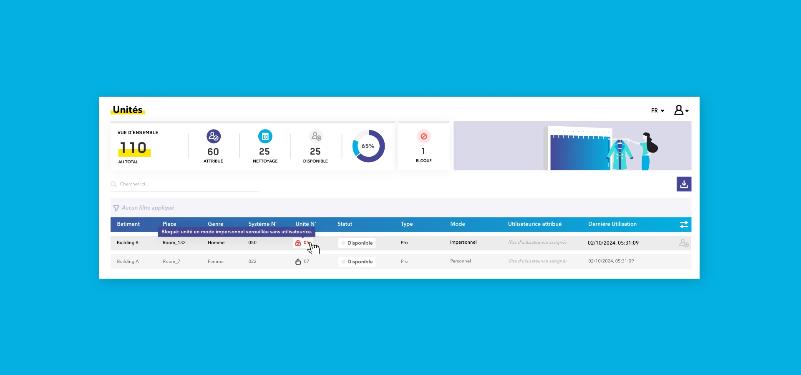
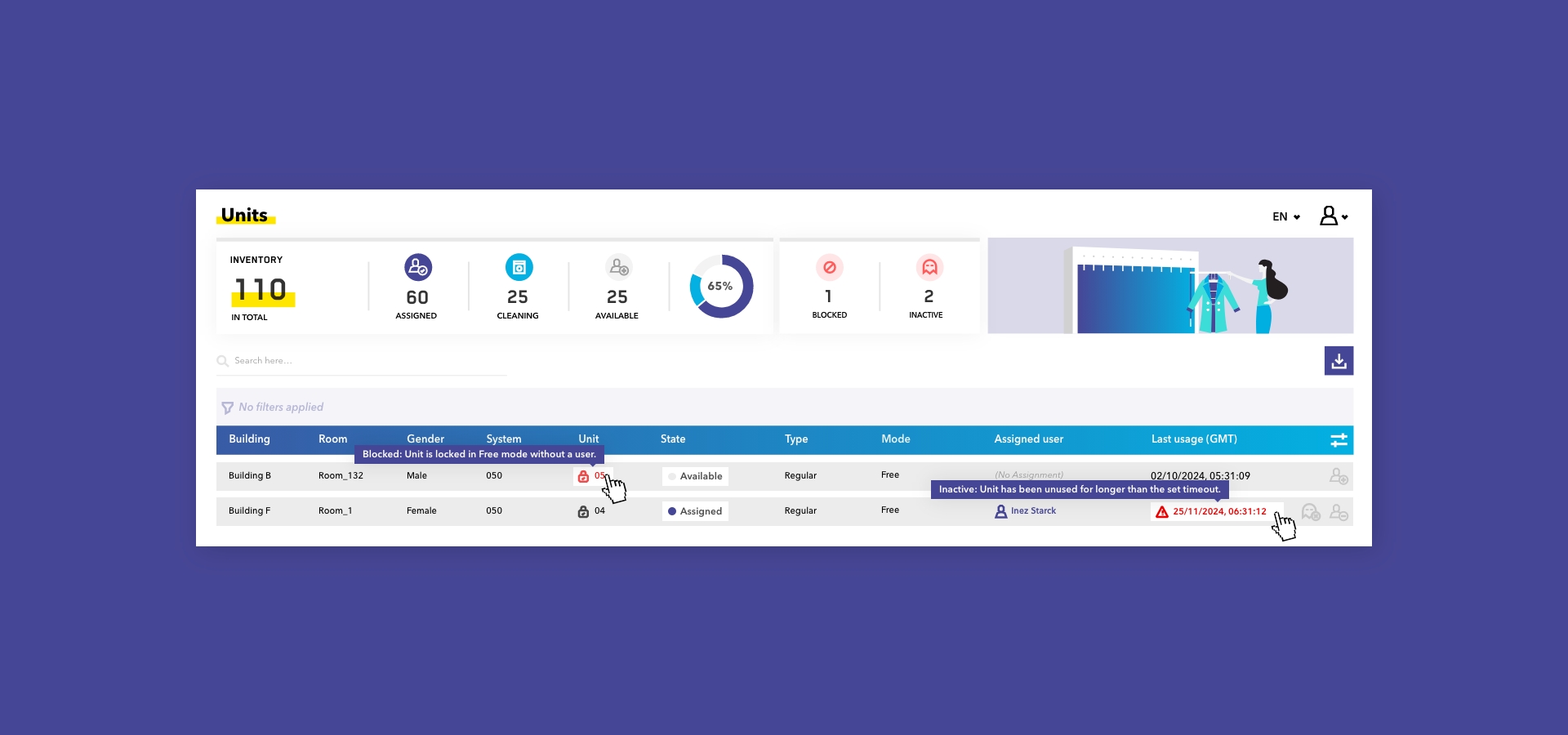
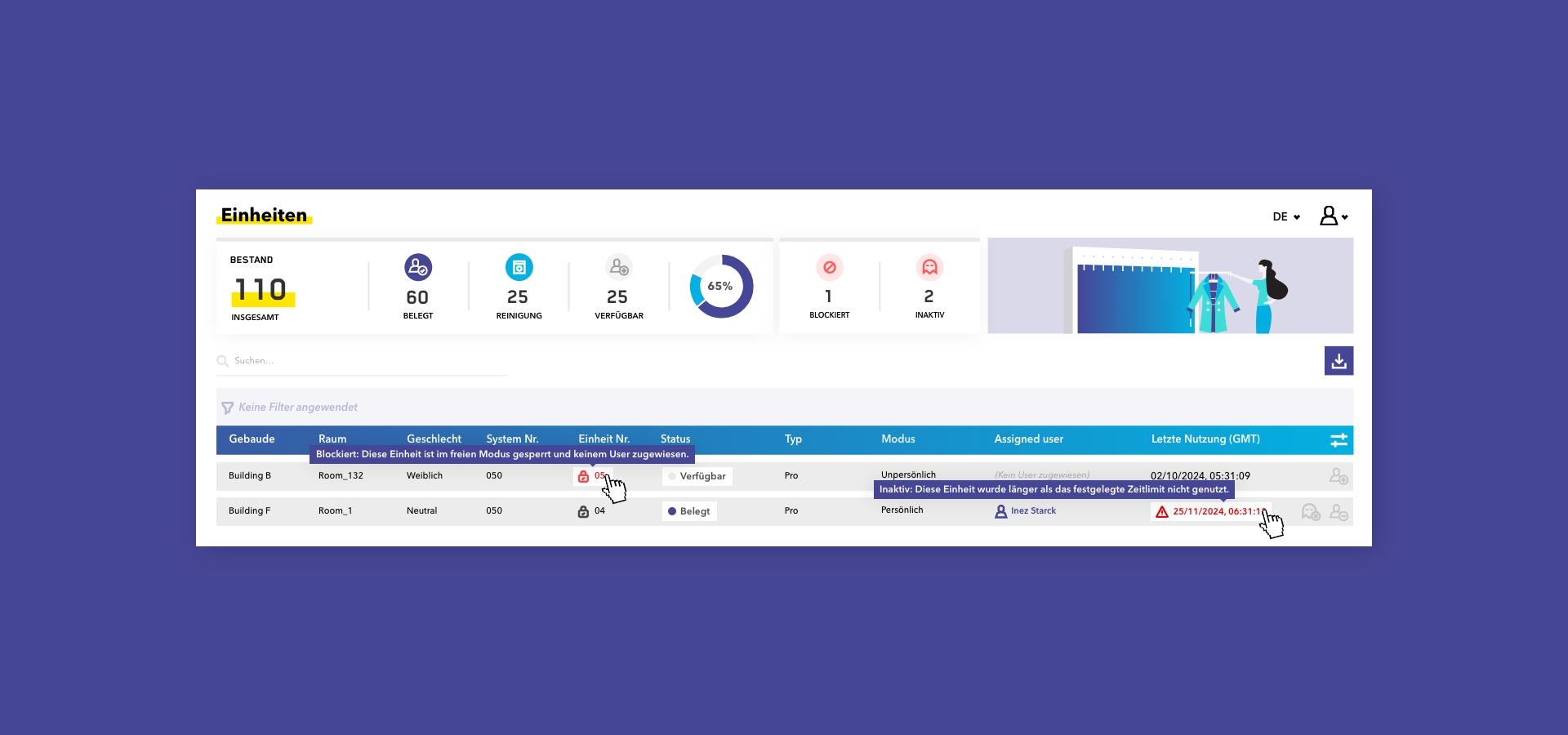
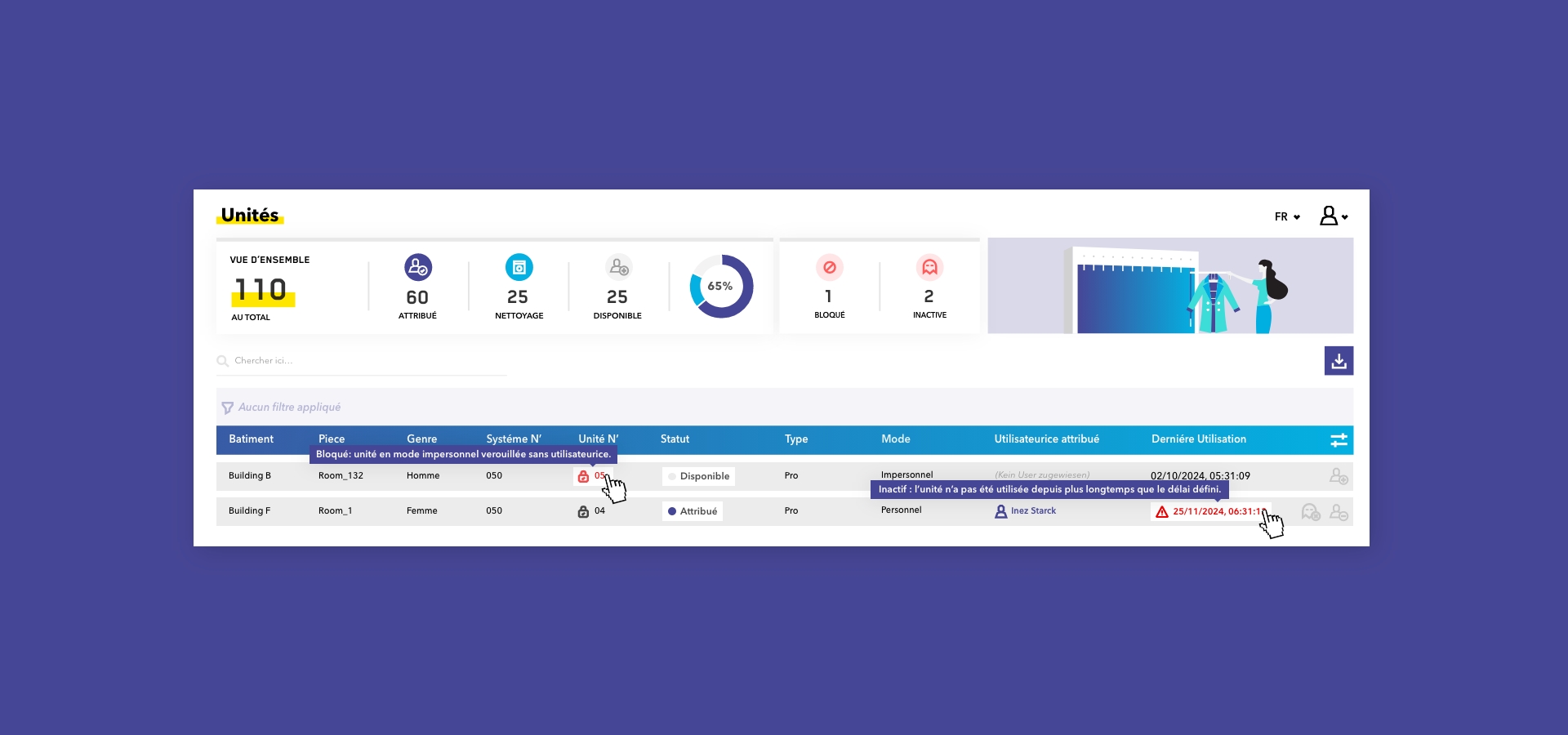
- "Blocked" Locker Alerting (Free Mode): The system now automatically identifies and highlights lockers in Free Mode that have been locked with an Admin tag without an assigned user.
- Why it helps: You can now immediately locate and resolve unattainable or blocked lockers across the facility without requiring manual physical audits.
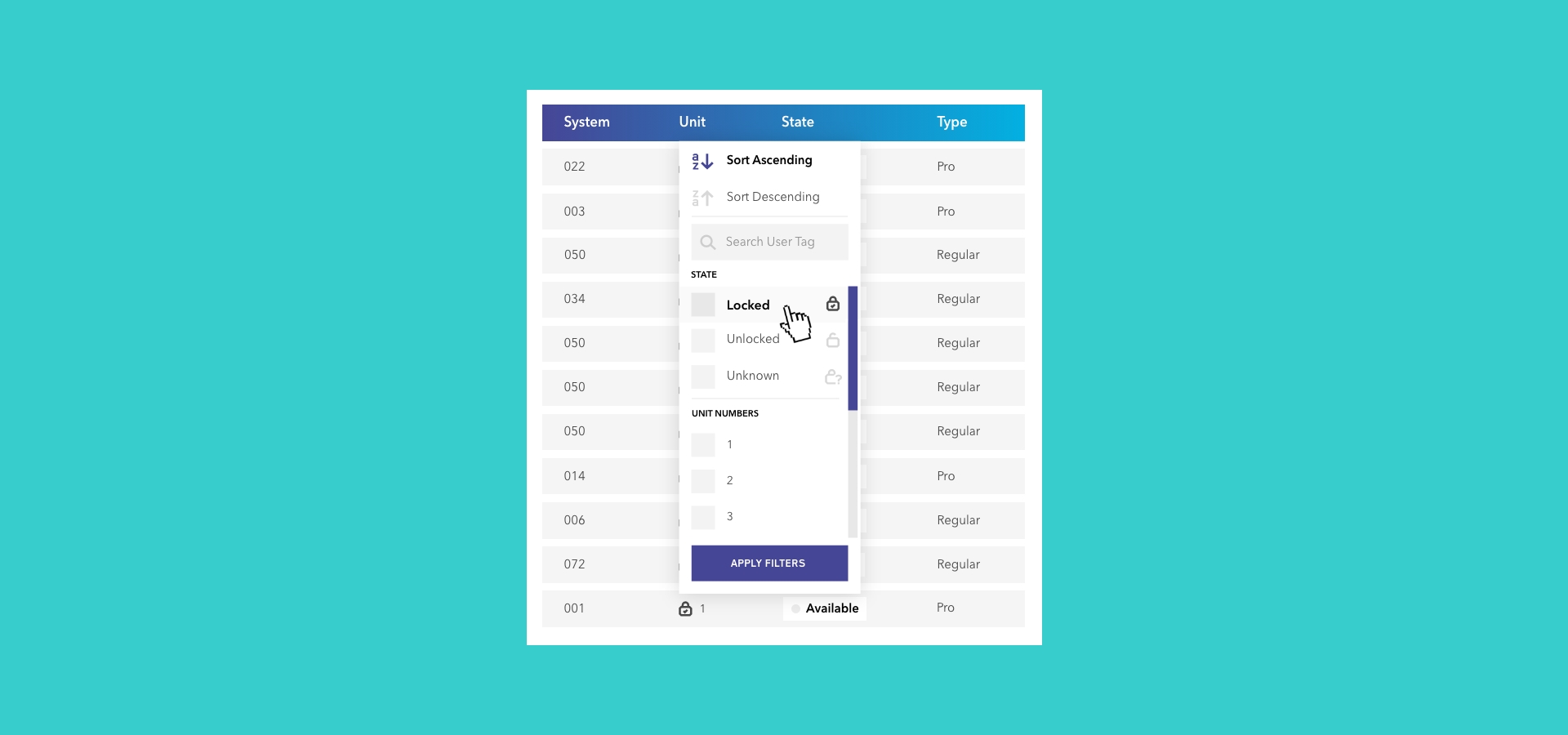
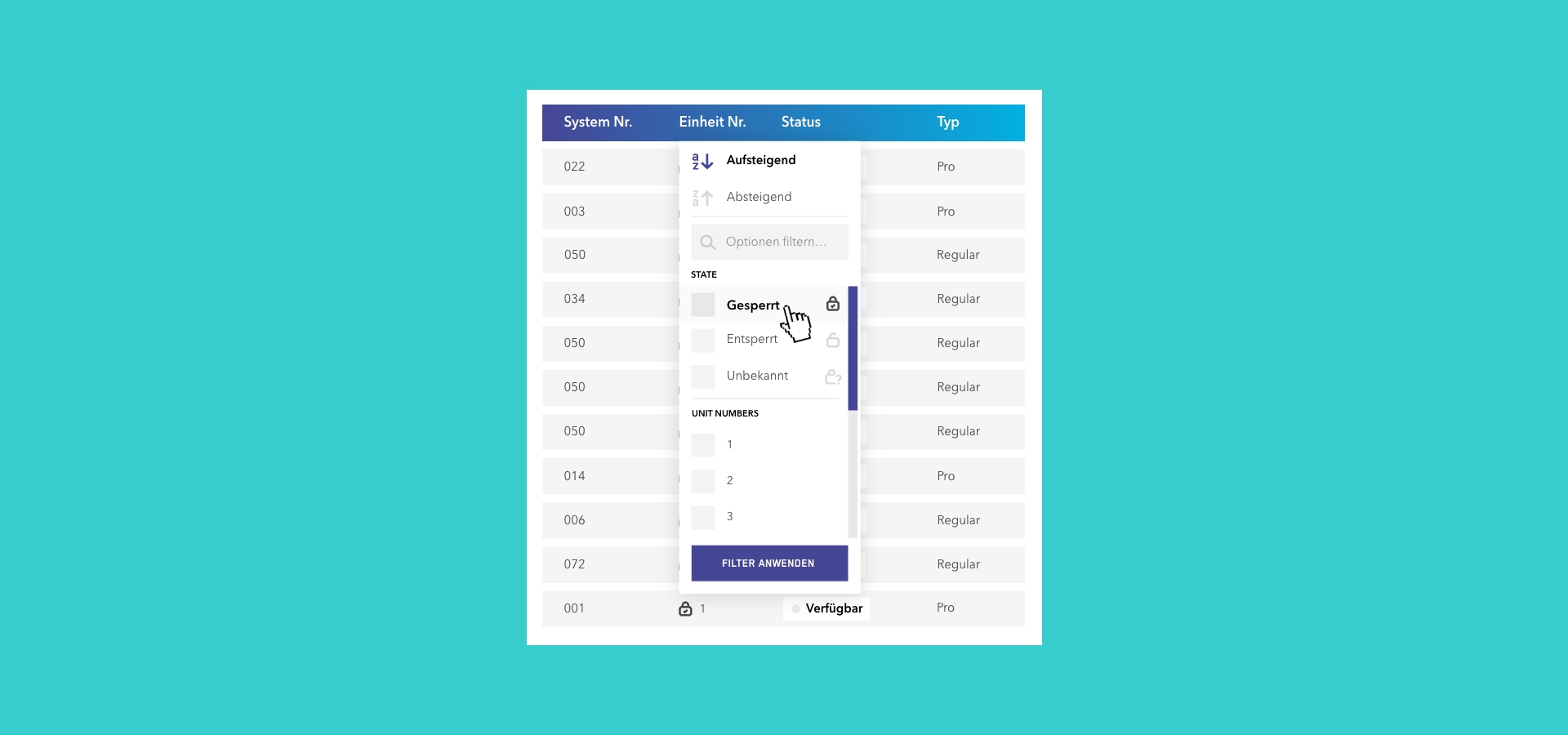
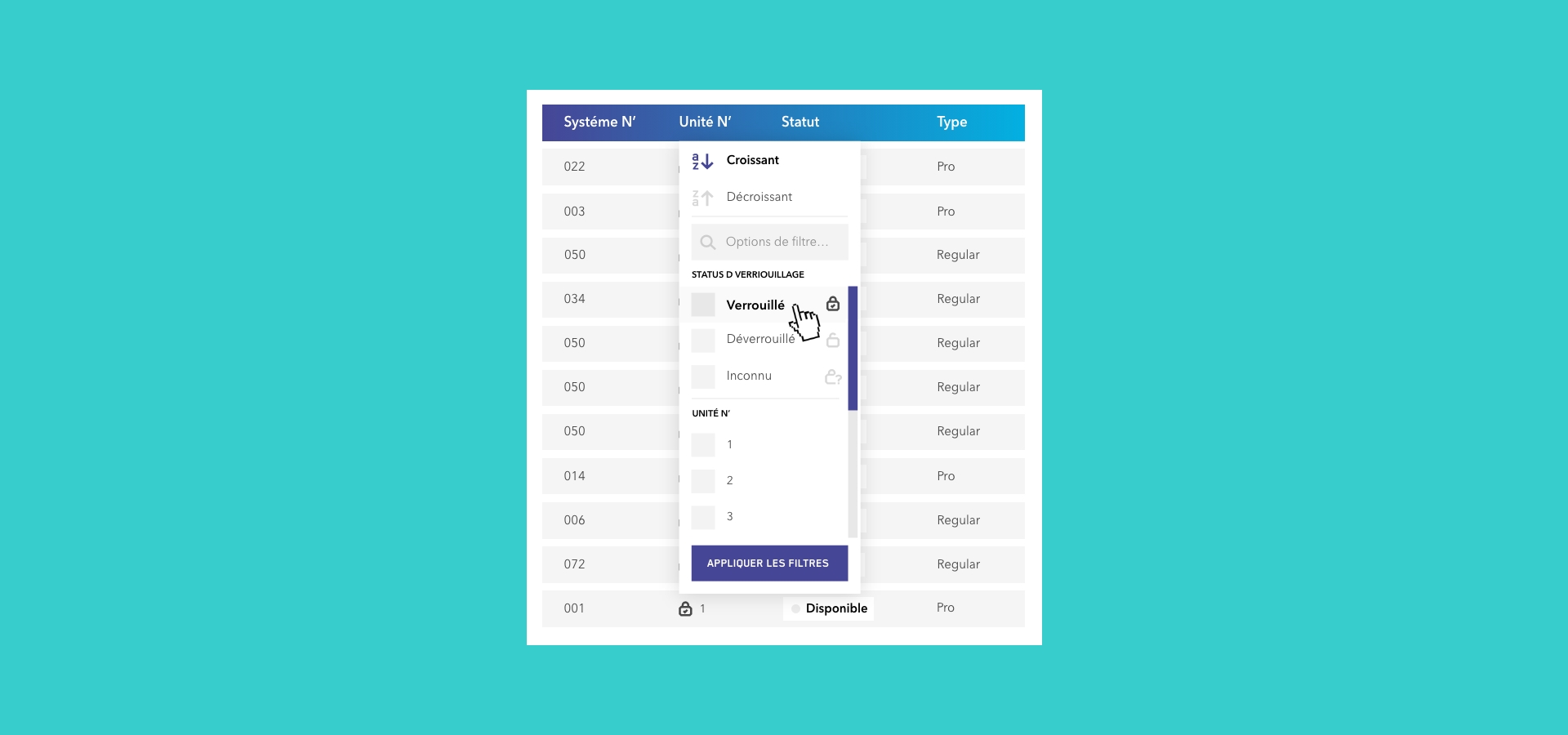
- Live Lock Status & Filtering: The real-time visual lock status (Locked, Unlocked, Unknown) of physical systems is now visible directly ín Zippmanager, supported by dedicated lock status filters.
- Why it helps: Verify the physical lock status across your entire installation at a glance without leaving your desk.
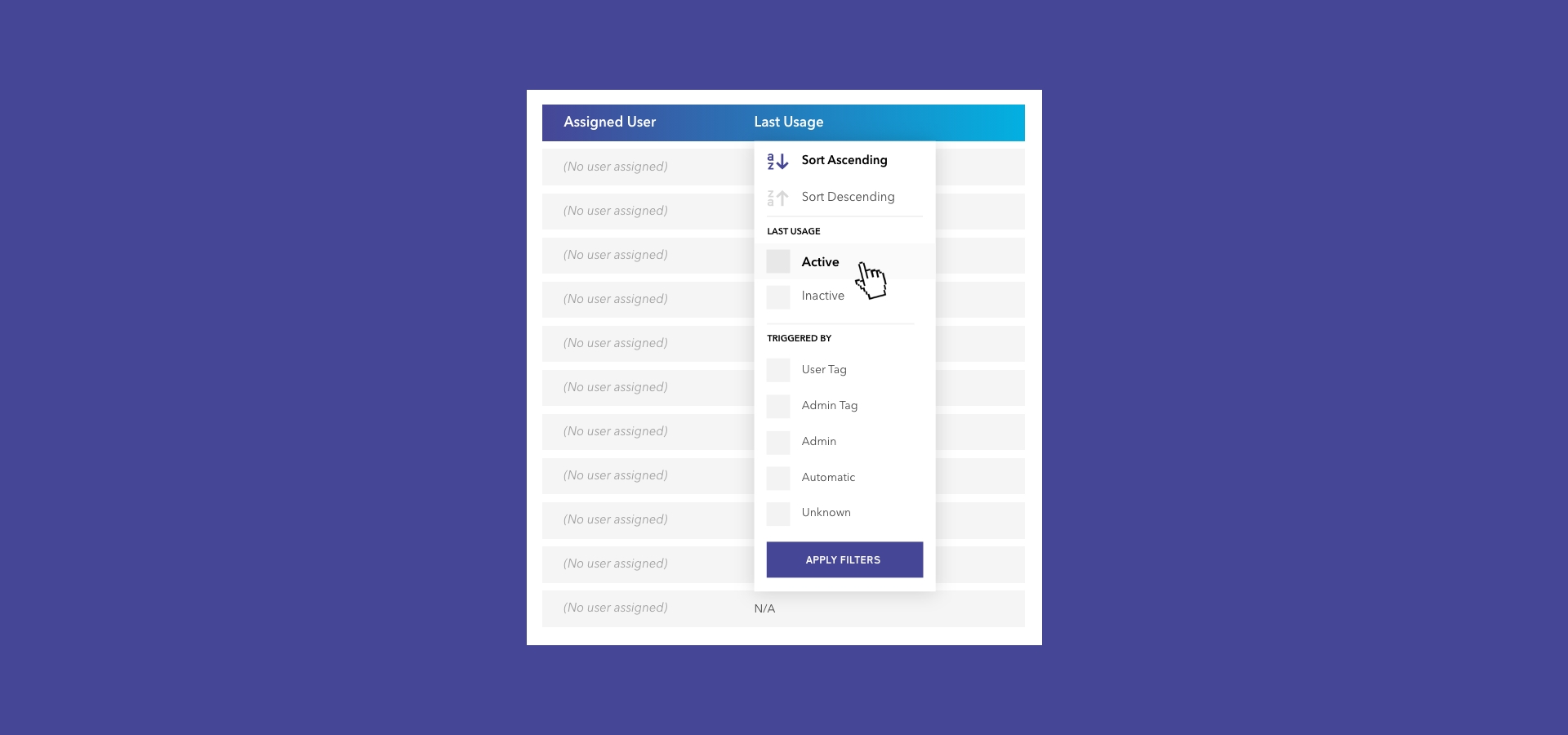
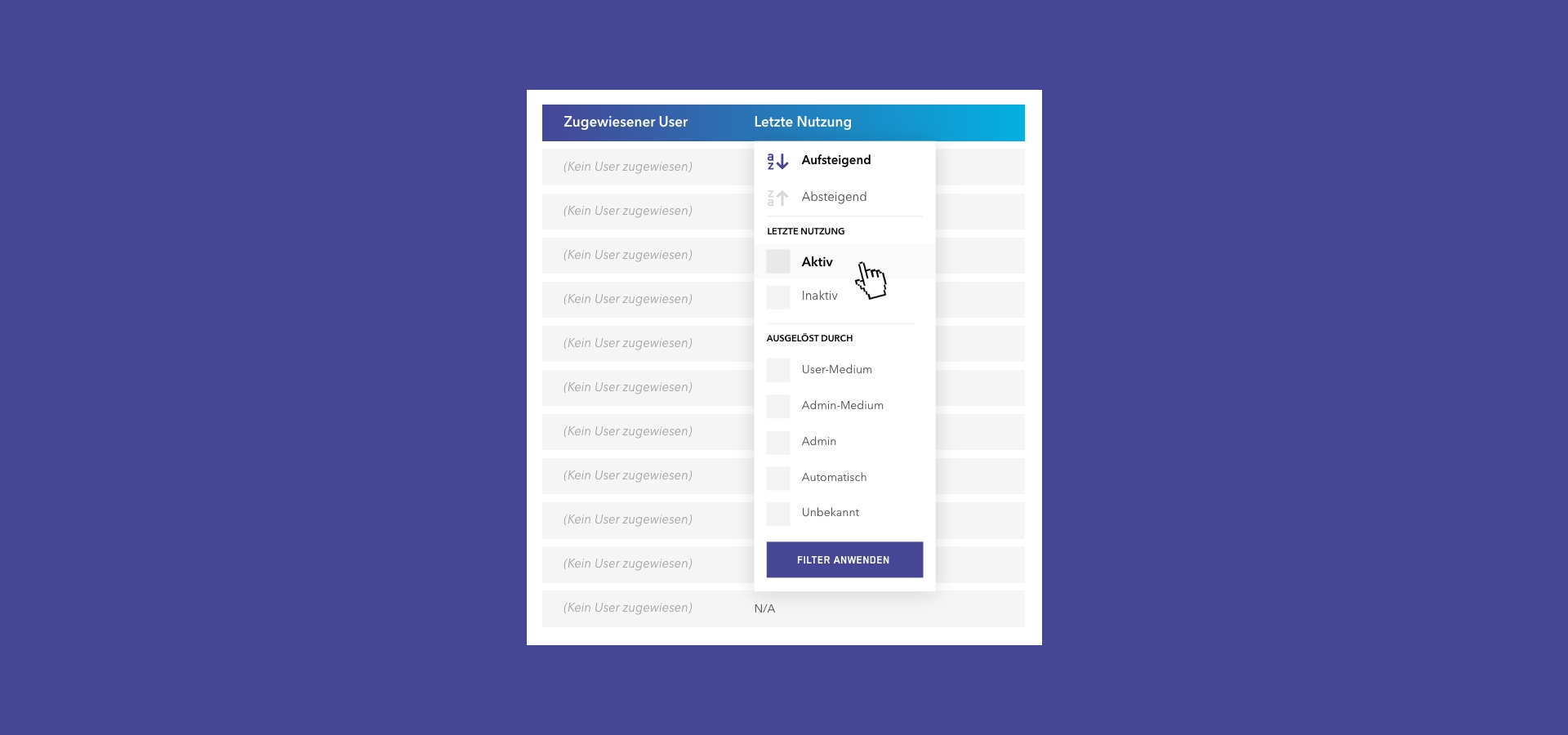
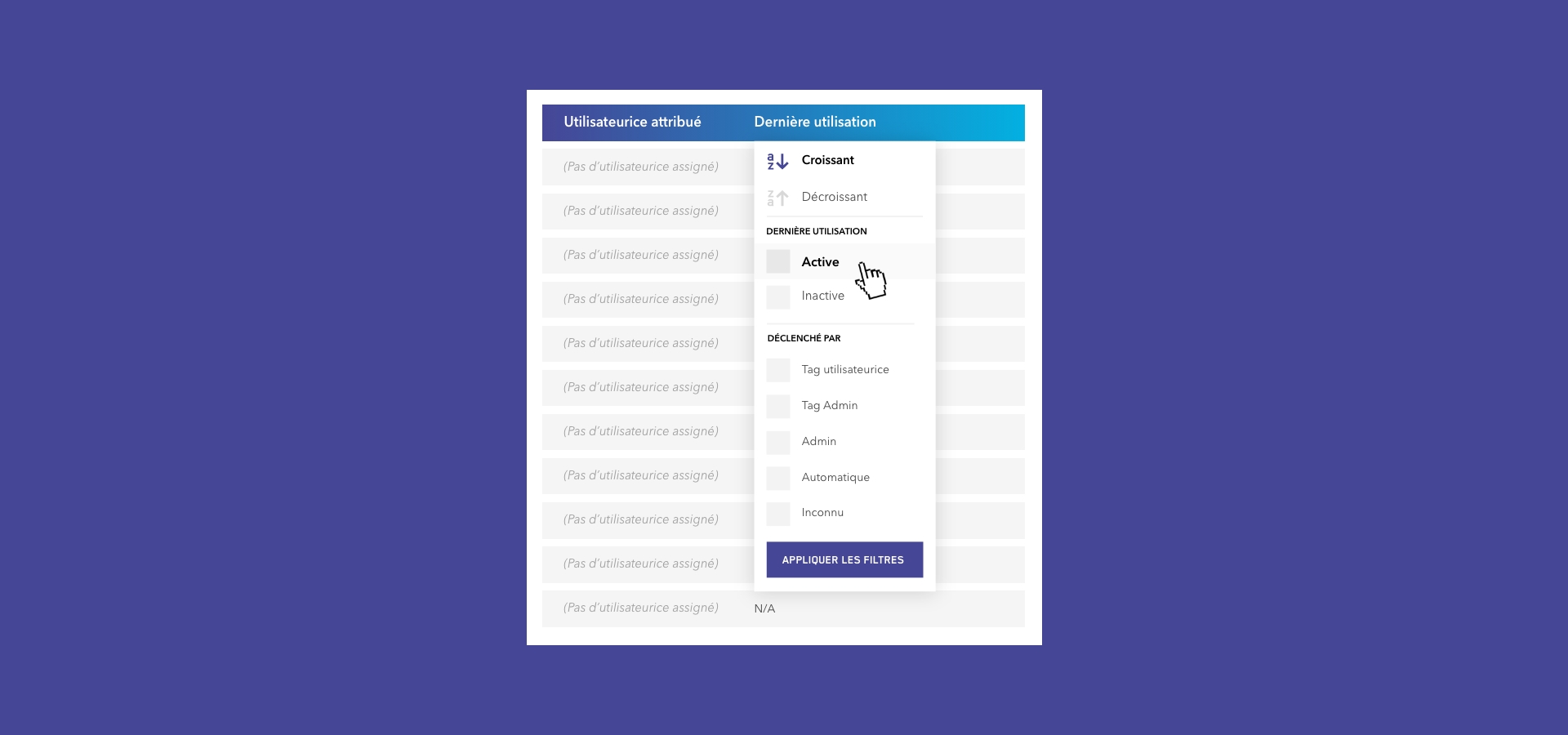
- Usage Source & Trigger Tracking: View and filter the exact origin of a unit's last usage time (User Tag Open/Close, Admin Tag Open/Close, Admin Console Assignment/Removal, or System-triggered Auto Open/Close).
- Why it helps: Delivers clear triggers for every locker event ensuring a better chance of spotting inactive (“dead lockers”) units.
Streamlined Administration & Workflow Enhancements
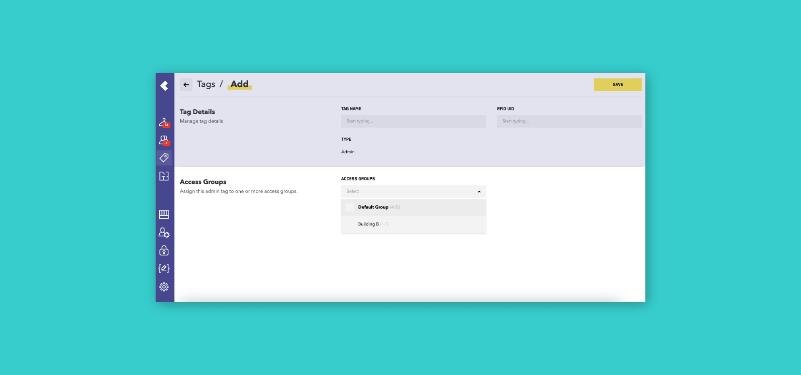
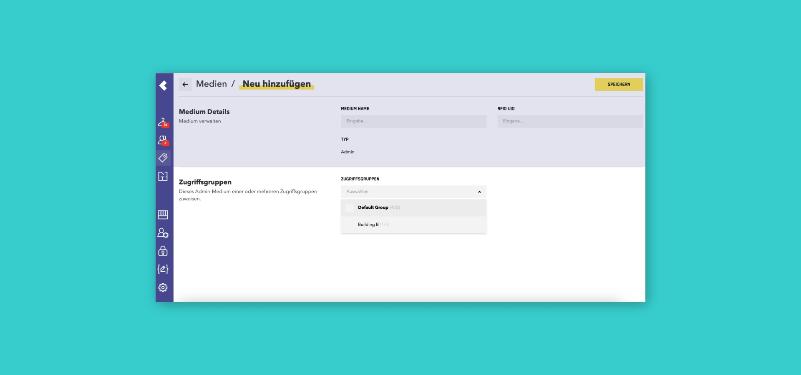
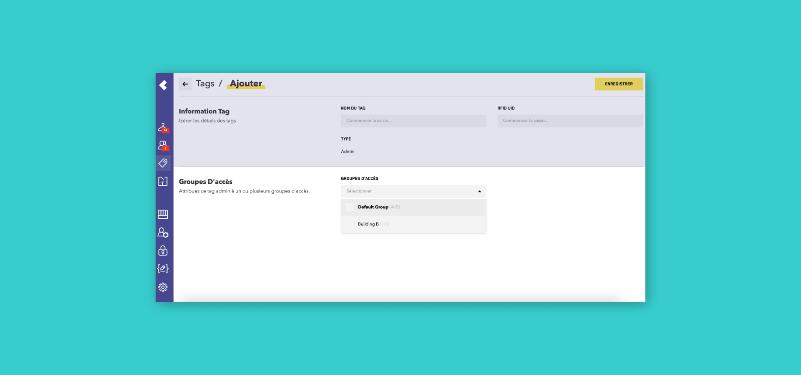
- Direct Access Group Selection: Assign Access Groups directly when creating or editing Admin Tags and Admin/Officer profiles, eliminating a multi-step menu navigation.
- Comprehensive Sidebar Alert Center: The sidebar counter now aggregates all relevant warnings—including inactive lockers, blocked units, and pending synchronizations—into a single, unified view so critical alerts are never missed.
- Error Indicators & Explanatory Tooltips: A new visual styling for warning states (e.g., inactive or blocked lockers) comes paired with helpful hover tooltips, giving instant context behind system alerts.
- Full-Height Filter Dropdowns: Filter dropdown menus now extend smoothly across the display, making it much easier to review long lists of filter options.
Visual & Usability Polish
- Standardized Locker Numbering: Locker numbers are now uniformly formatted with 2 digits (e.g., 01, 02 instead of 1, 2) for clean visual alignment across tables.
- Skeleton Loading States: Smooth skeleton loading layouts for dashboard statistics were introduced, replacing generic grey loading boxes during data fetches.
- Persistent Action Icons: Hover action icons on table rows remain visible and accessible even when screens are zoomed in or horizontally scrolled.
- CSV Import Guidance: Example rows to CSV templates for Users and Tags were added to reduce formatting errors during bulk uploads.
- UI Refinements: Restored missing icons and smoothed out login animations.
ImprovementsOfficer
Security & Technical Excellence
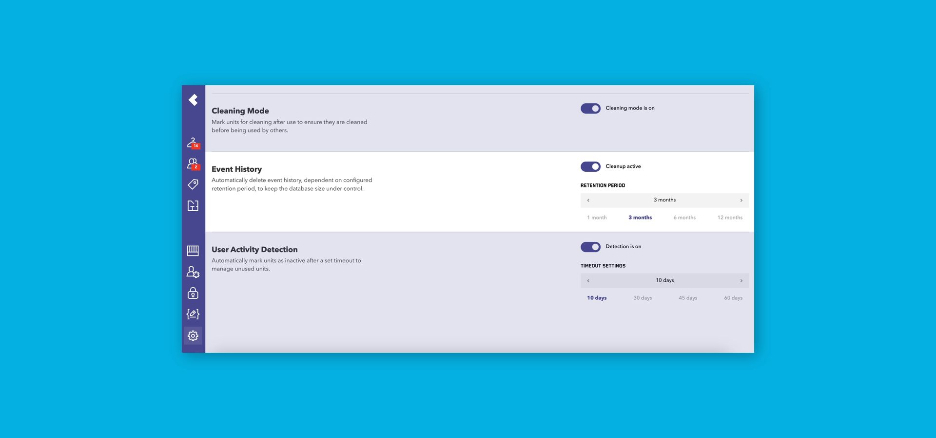
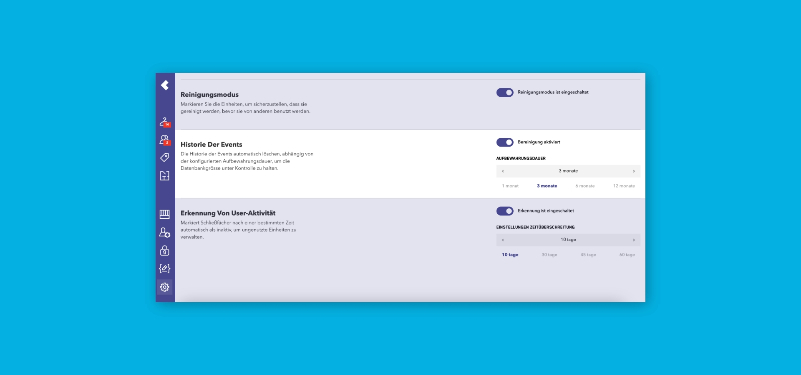
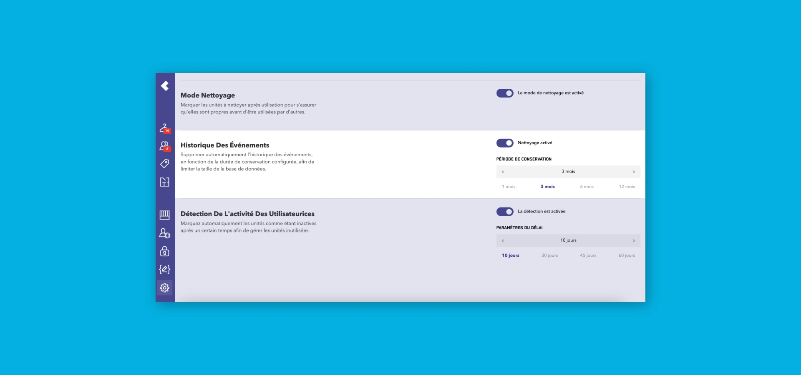
- Configurable Log Retention (GDPR Compliance Support): Administrators can now set automated data retention limits to automatically delete the locker event history beyond a specified timeframe.
- Benefit: Helps IT teams fulfill strict GDPR and local data privacy compliance mandates without manual intervention.
- Benefit: Helps IT teams fulfill strict GDPR and local data privacy compliance mandates without manual intervention.
- Security & Infrastructure Hardening: Upgraded platform frameworks (.NET 10, Tailwind v4), enhanced HTTP security headers, stricter password policy enforcement, and Azure Key Vault integration.
- Benefit: Protects your organization against unauthorized access and cyber threats while ensuring the platform runs on modern, high-performance web standards.
- Automated Audit Log Cleanup: Periodic background routines clean up log data according to mandatory retention periods.
- Benefit: Maintains optimal database speed, stability, and system performance without requiring manual IT maintenance.
FixesOfficer
Bug Fixes
- Data Integrity: Improved handling of simultaneous assignment / usage reports coming from multiple systems in parallel, eliminating the risk of data loss.
- Tag Management: Restored the text search functionality across Admin and Cleaning tag lists.
- Post-Update Cache Handling: Resolved the browser cache issues that previously caused temporary page errors during or immediately following ZippManager updates.