ZippManager v3.3.0
This release makes everyday locker administration quicker and more intuitive, with more flexible user assignments, smarter inactivity detection and a smoother interface throughout.
Key Highlights & New Features
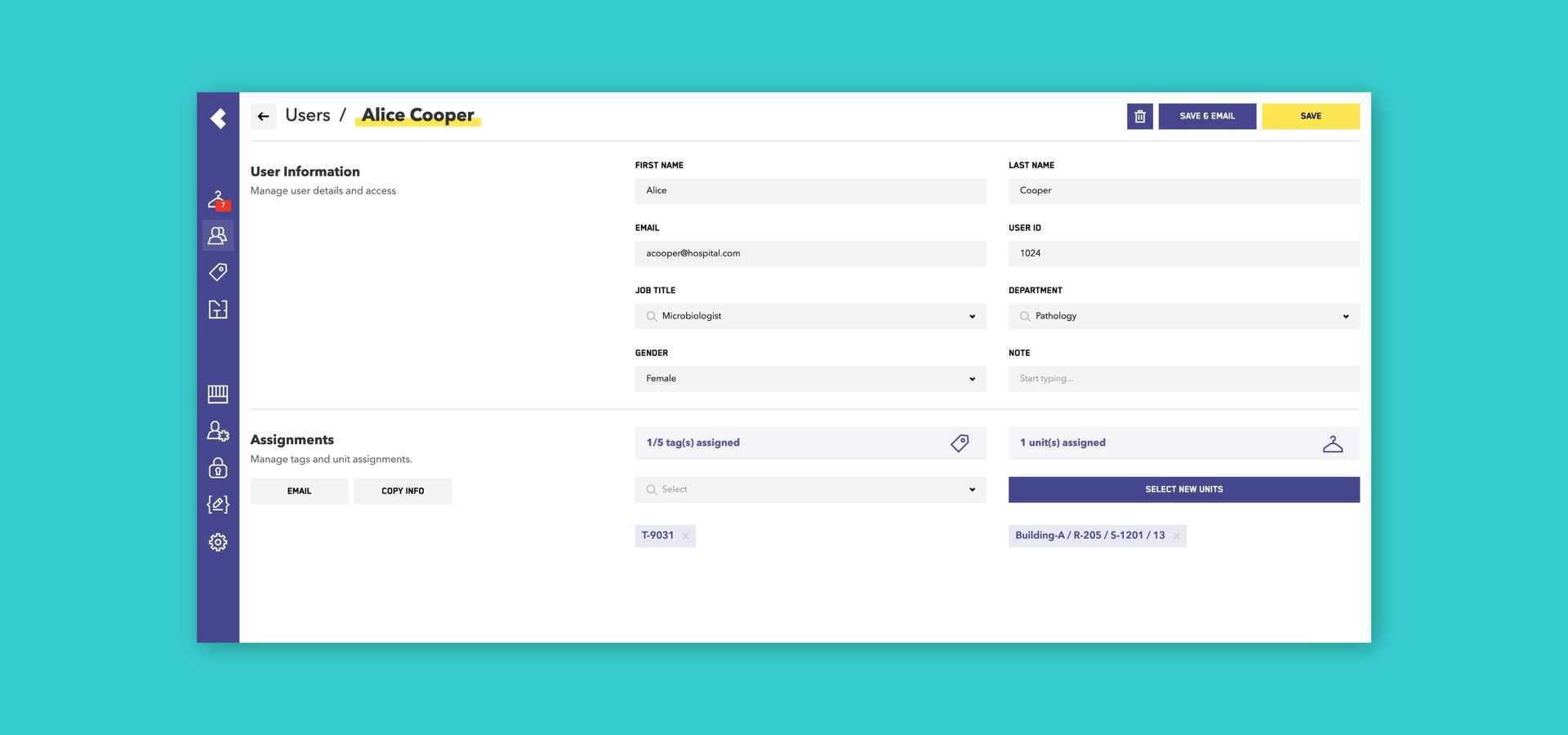
Save & Email in One Click
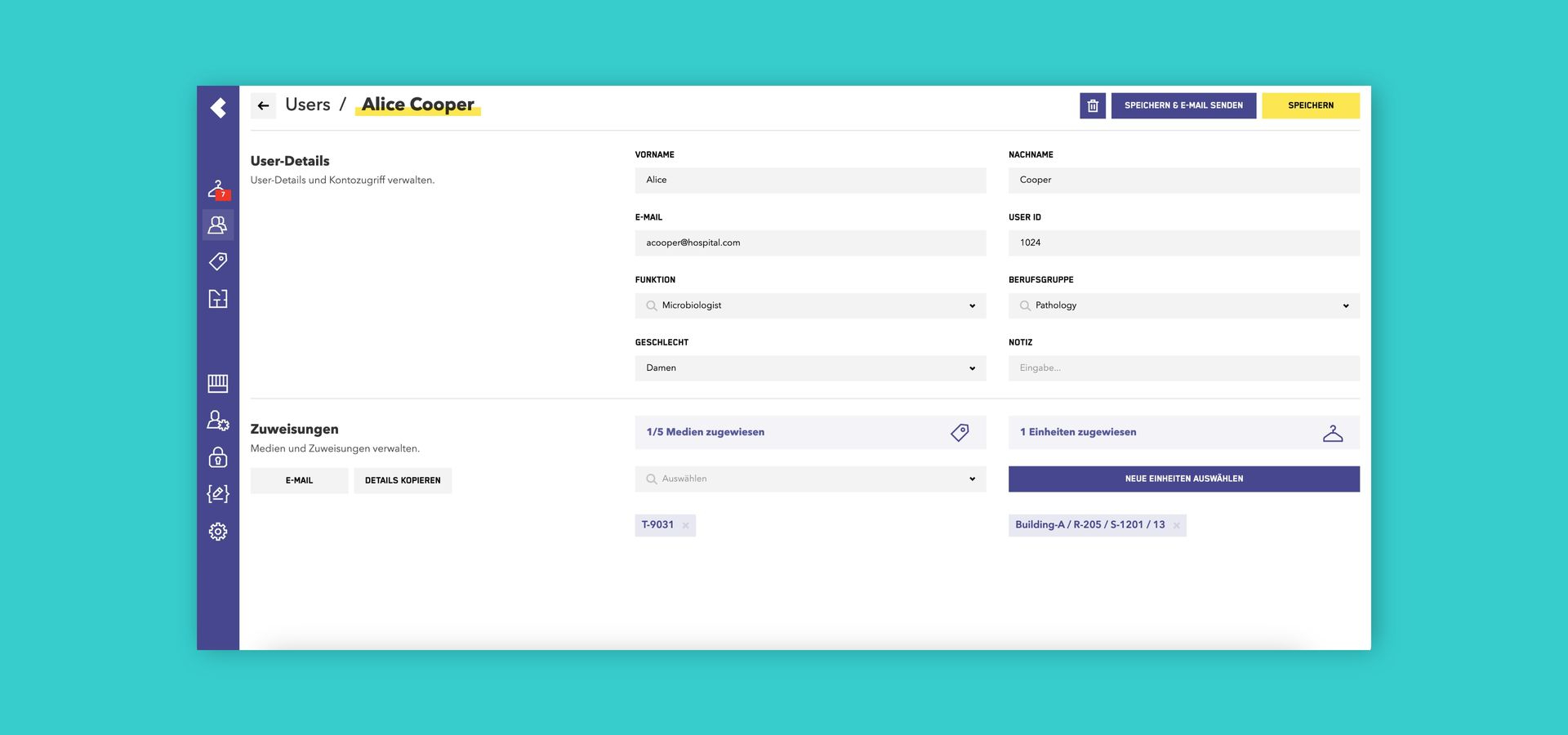
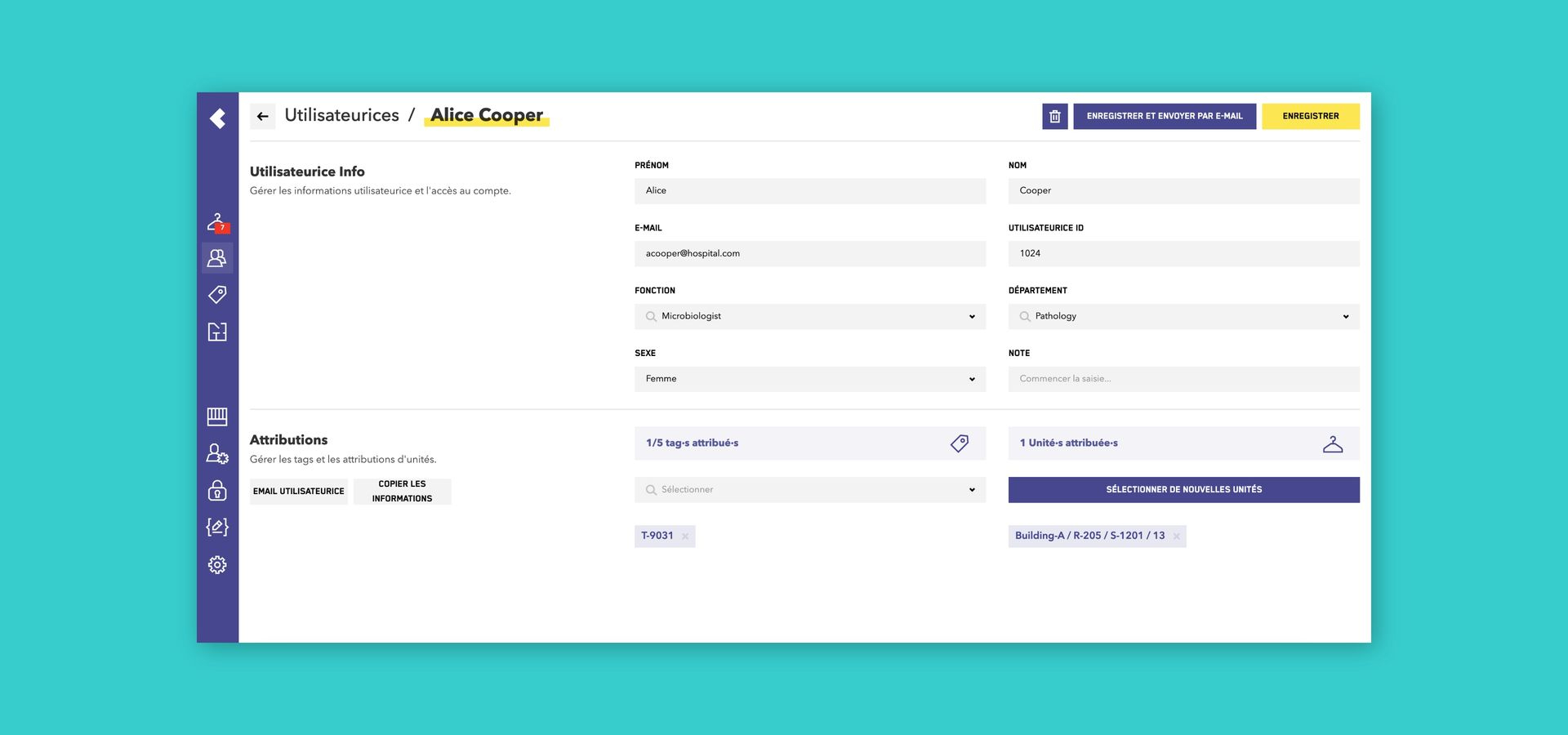
- Previously, informing users about their locker through email took multiple steps. Now the new Save & Email button in the User editor saves the assignment and sends the locker information in a single click.
Why it helps: Onboarding and reassigning employees is significantly faster, and users receive their locker bag details right away, with no risk of the email being forgotten.
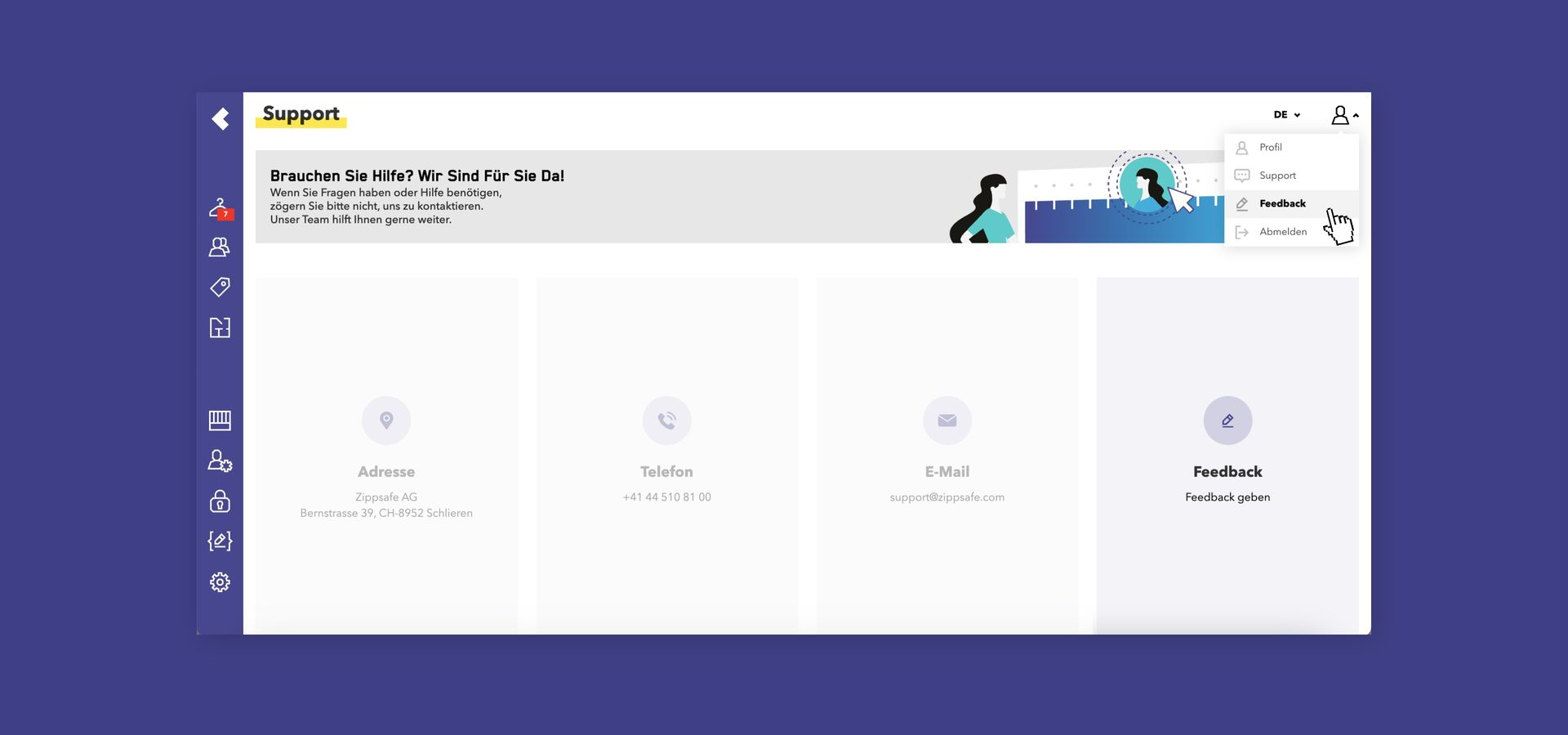
We Are Listening: Your Direct Feedback Channel (Cloud only)
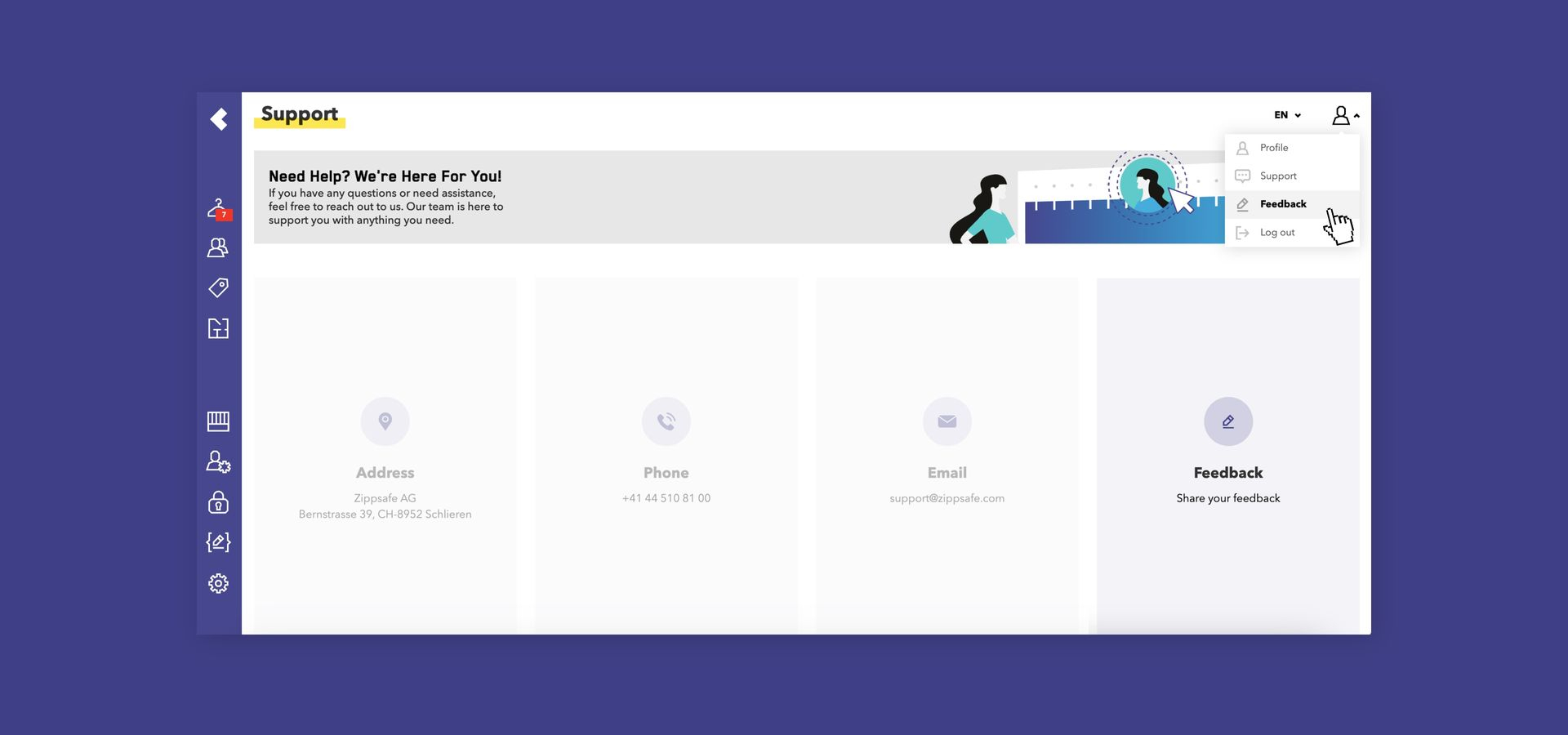
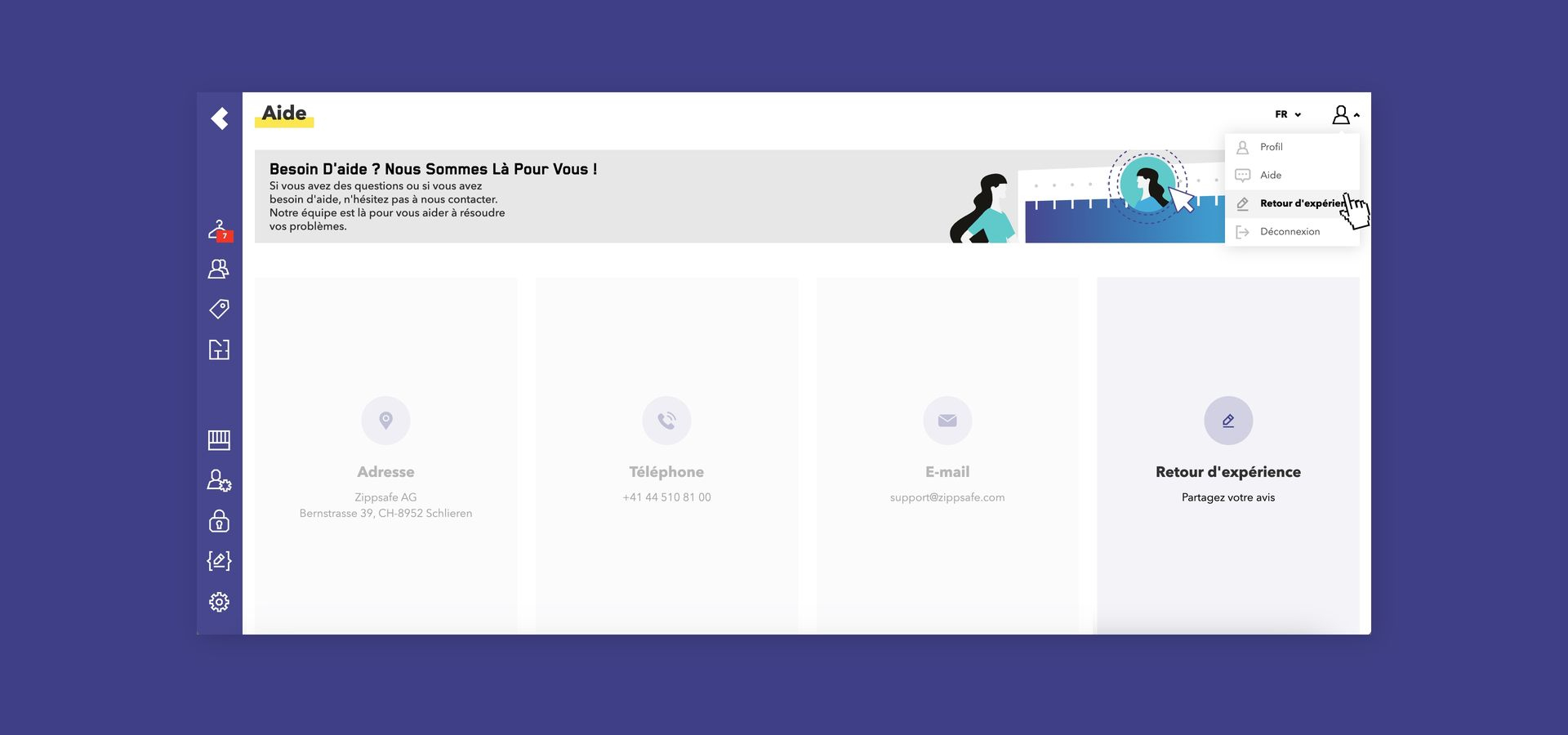
The Support page now features a Feedback link that connects you directly with our product team (available for cloud installations). You can find it under the profile menu (top right) > Support > Feedback. Use it whenever you want to:
- Request a new feature or improvement
- Report a bug or unexpected behavior
- Share any other feedback on working with ZippManager
Why it helps: Every submission reaches our product team directly and helps shape the next releases. No request is too small, so we warmly encourage you and your team to use it.
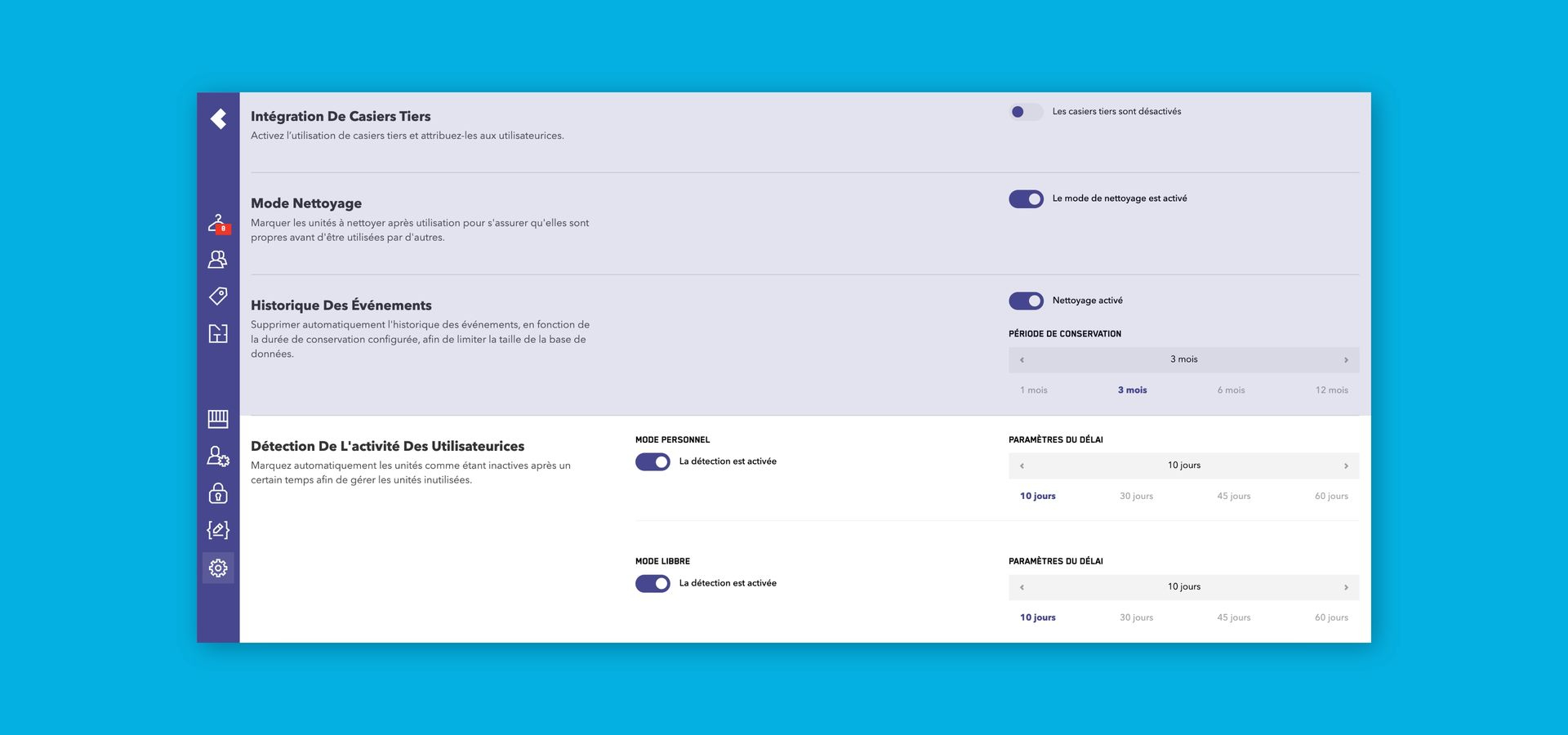
Separate Inactivity Timeouts for Free & Personal Mode
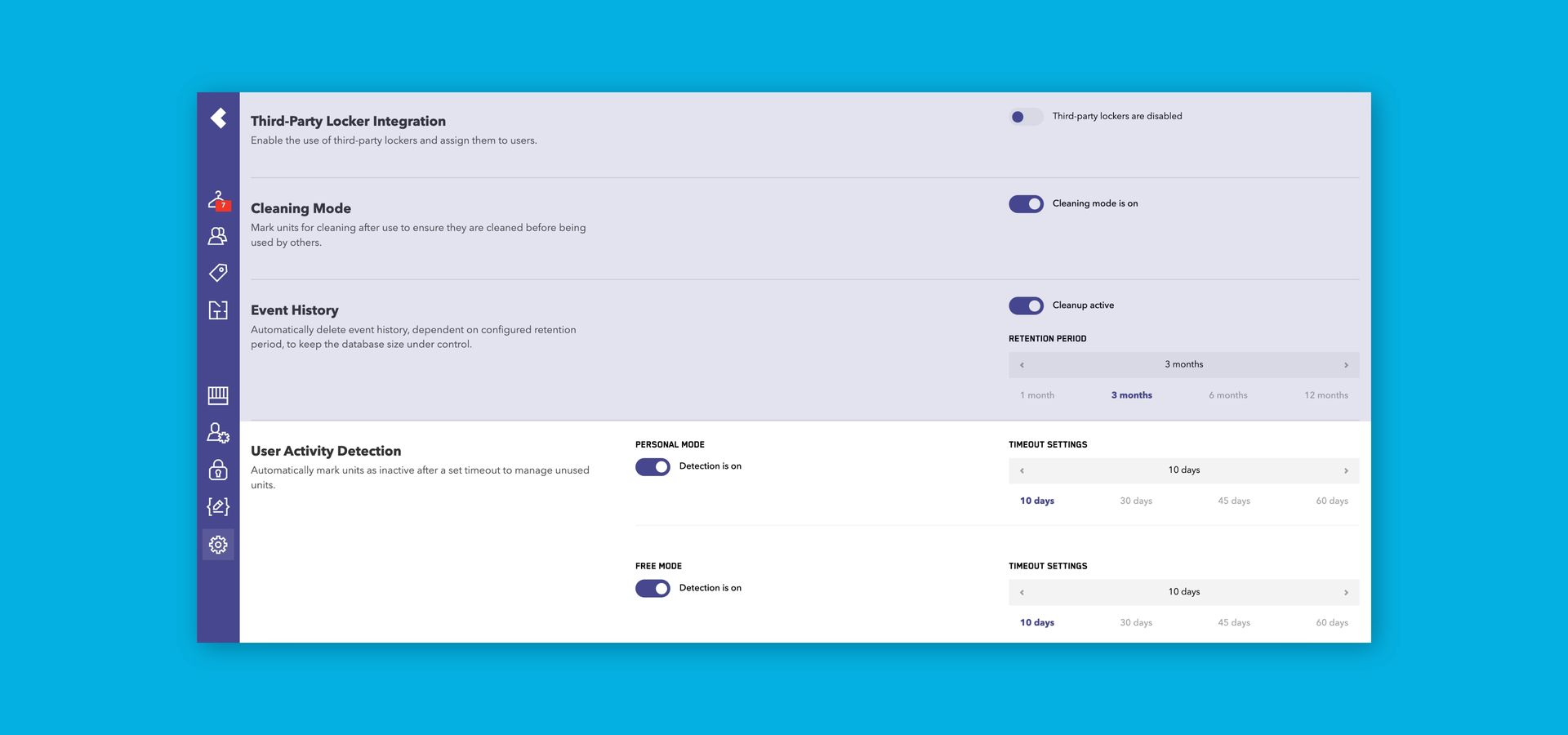
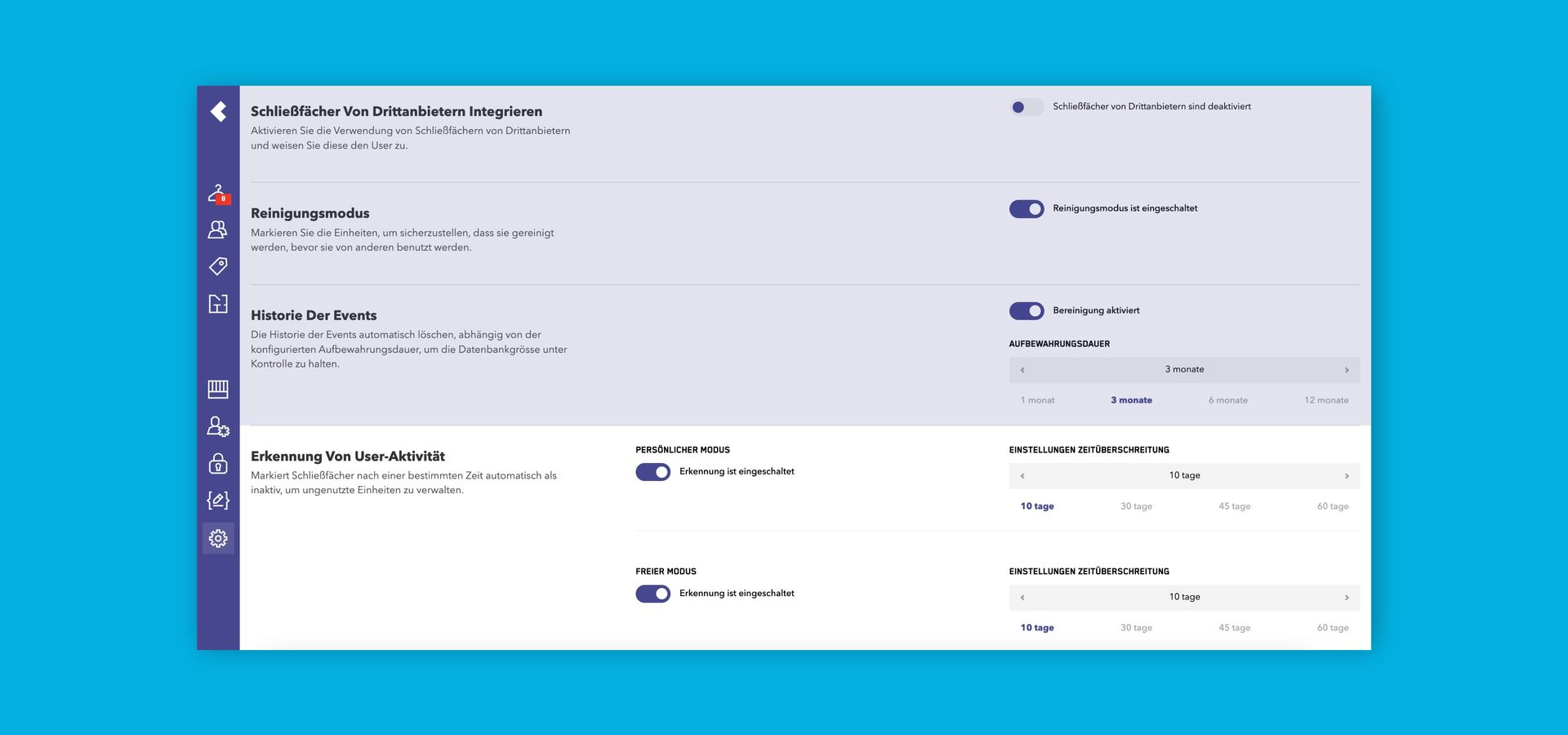
Inactivity timeouts can now be configured independently for Free Mode and Personal Mode systems.
Why it helps: Match alerts to how each area is really used, e.g. a short timeout for day-use lockers and a longer one for personal lockers, so you only get the alerts that matter.
More Improvements for Your Daily Work
- Remembers Where You Left Off: When you return from a detail page or switch between main pages, ZippManager restores your scroll position, so there is no more scrolling back down long tables after every edit.
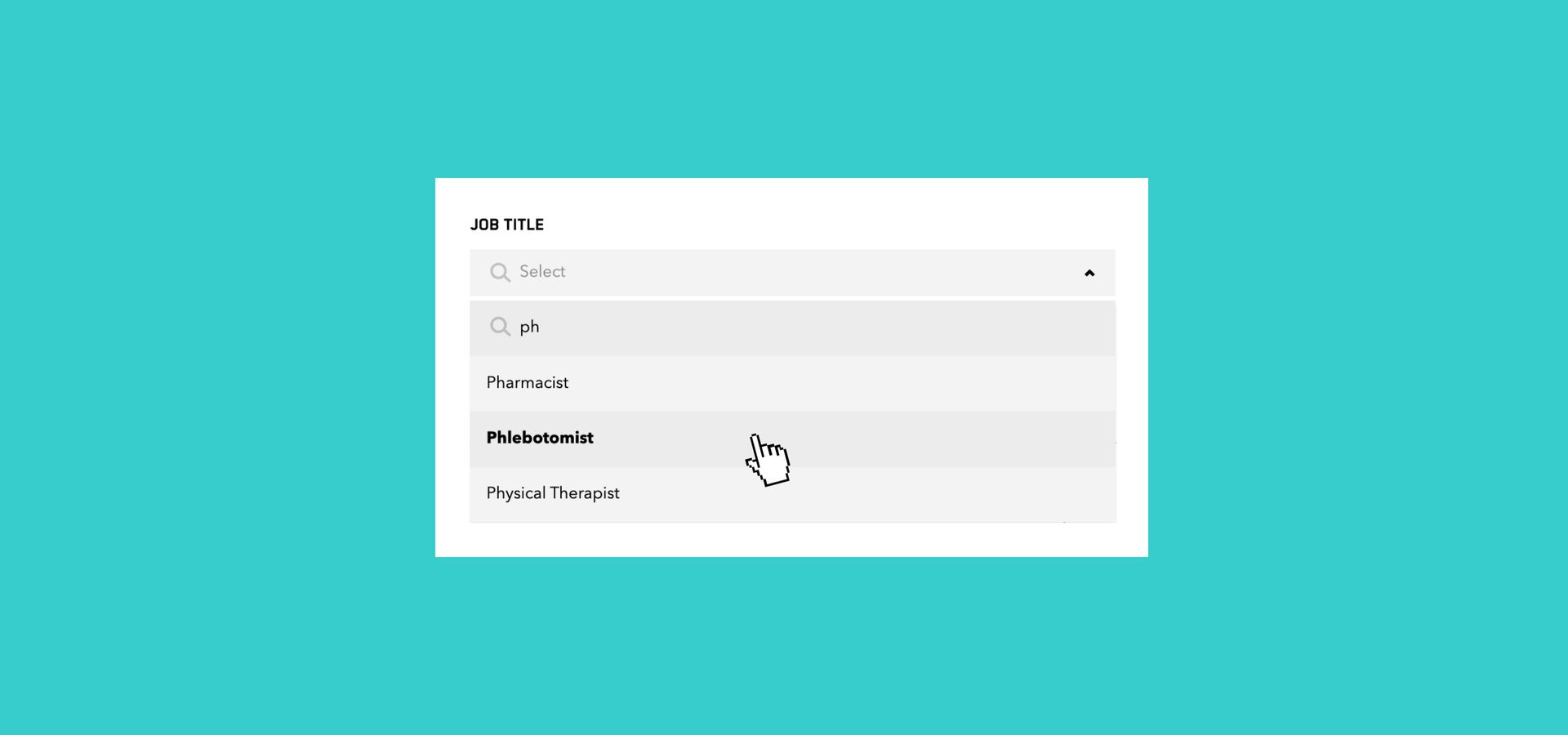
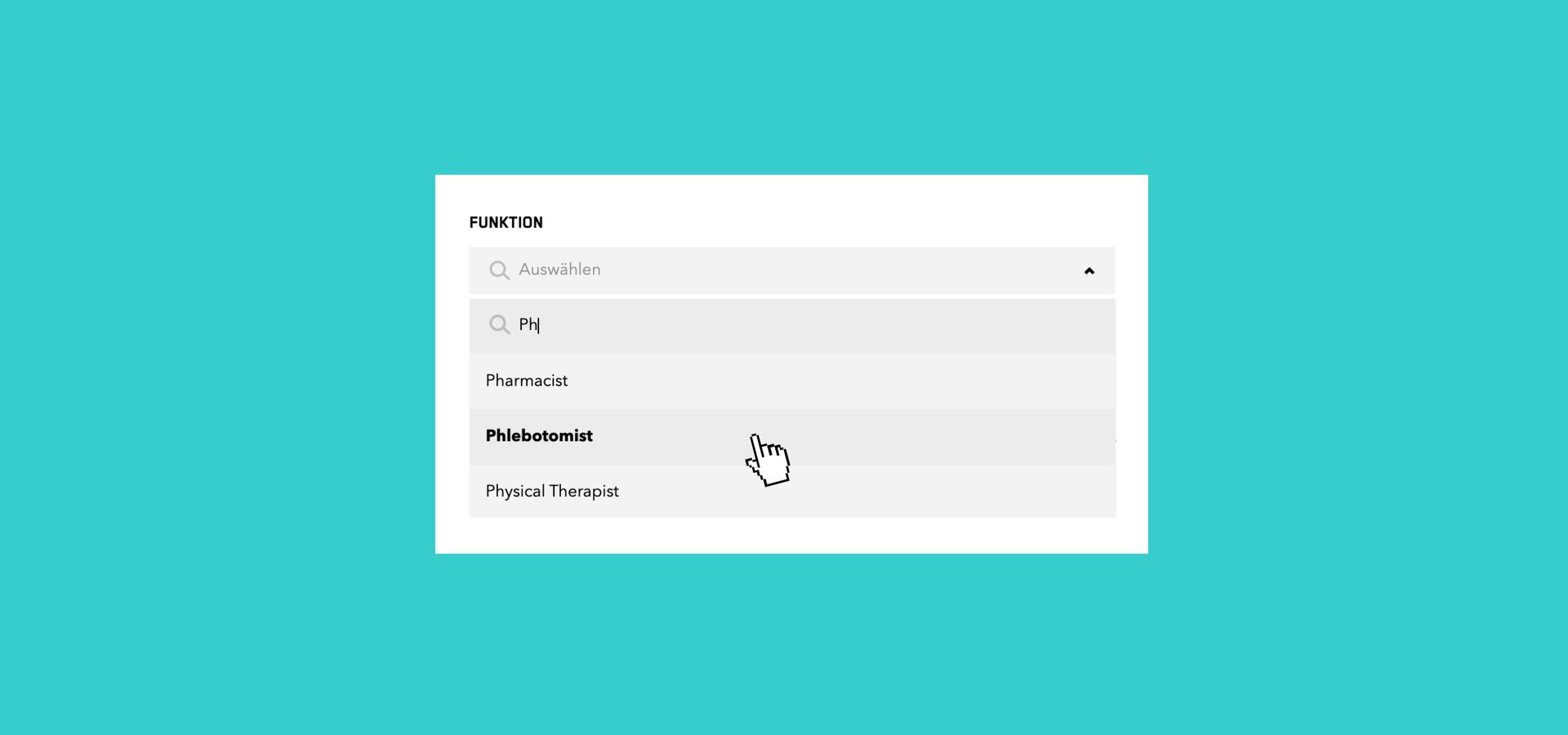
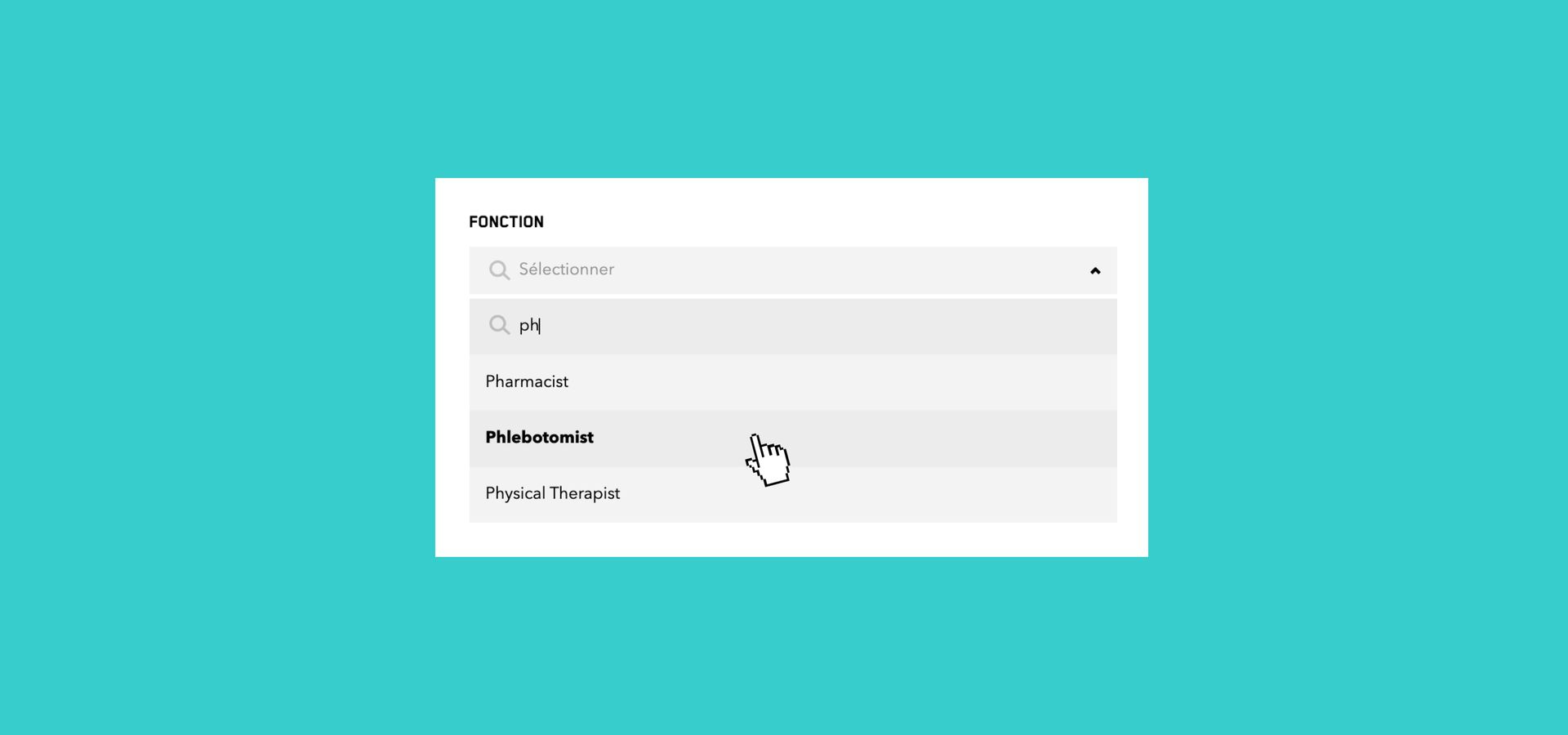
- Searchable Department & Job Title Fields: Department and Job title can now be searched in the Edit User menu: when assigning a department or job title, simply type a few letters to find the right value instead of selecting it from a long list.
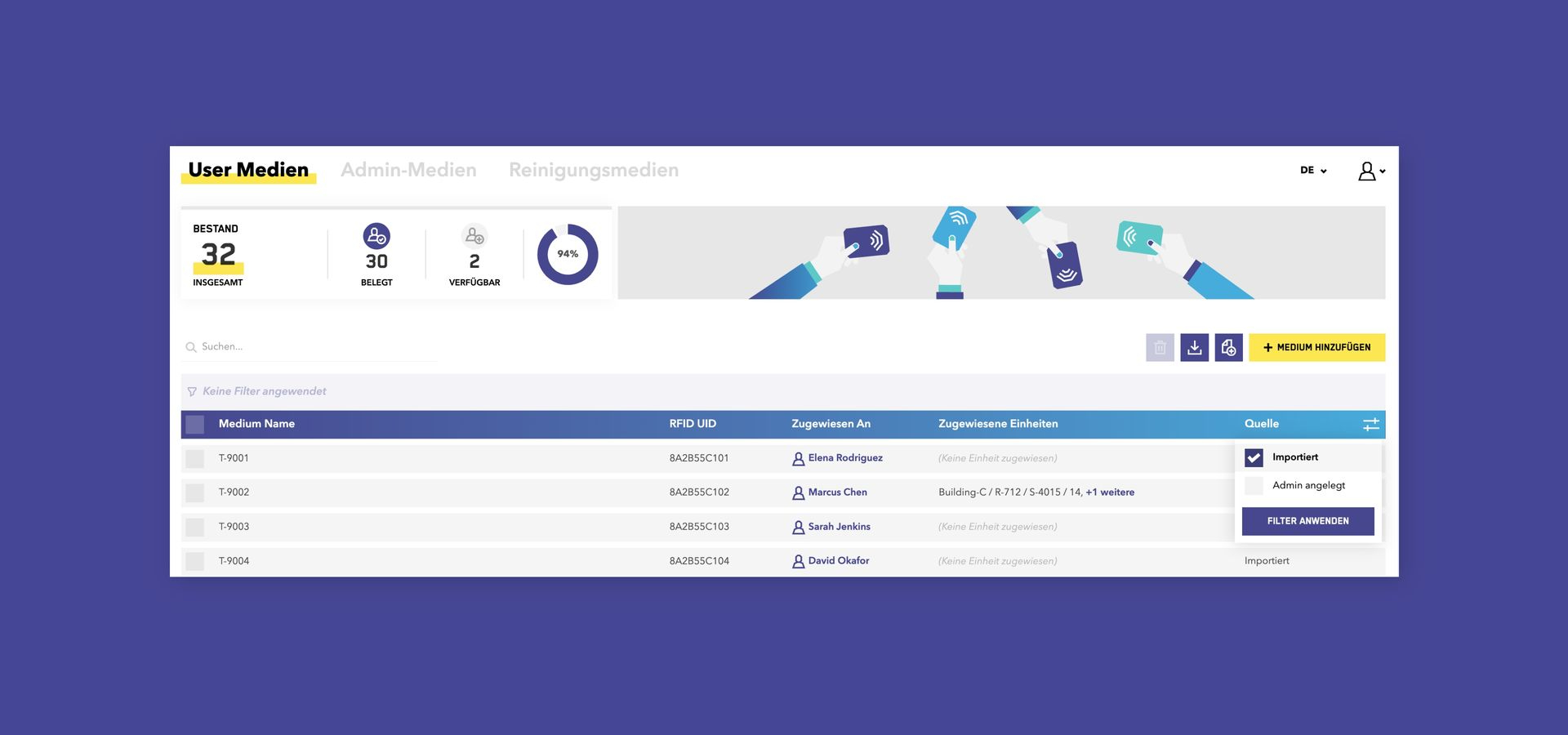
- Improved Filters: Sorting now uses a single three-state button (ascending, descending, off), and filter lists are more compact, leaving more space on screen for your data. You sort and filter with fewer clicks and see more at a glance.
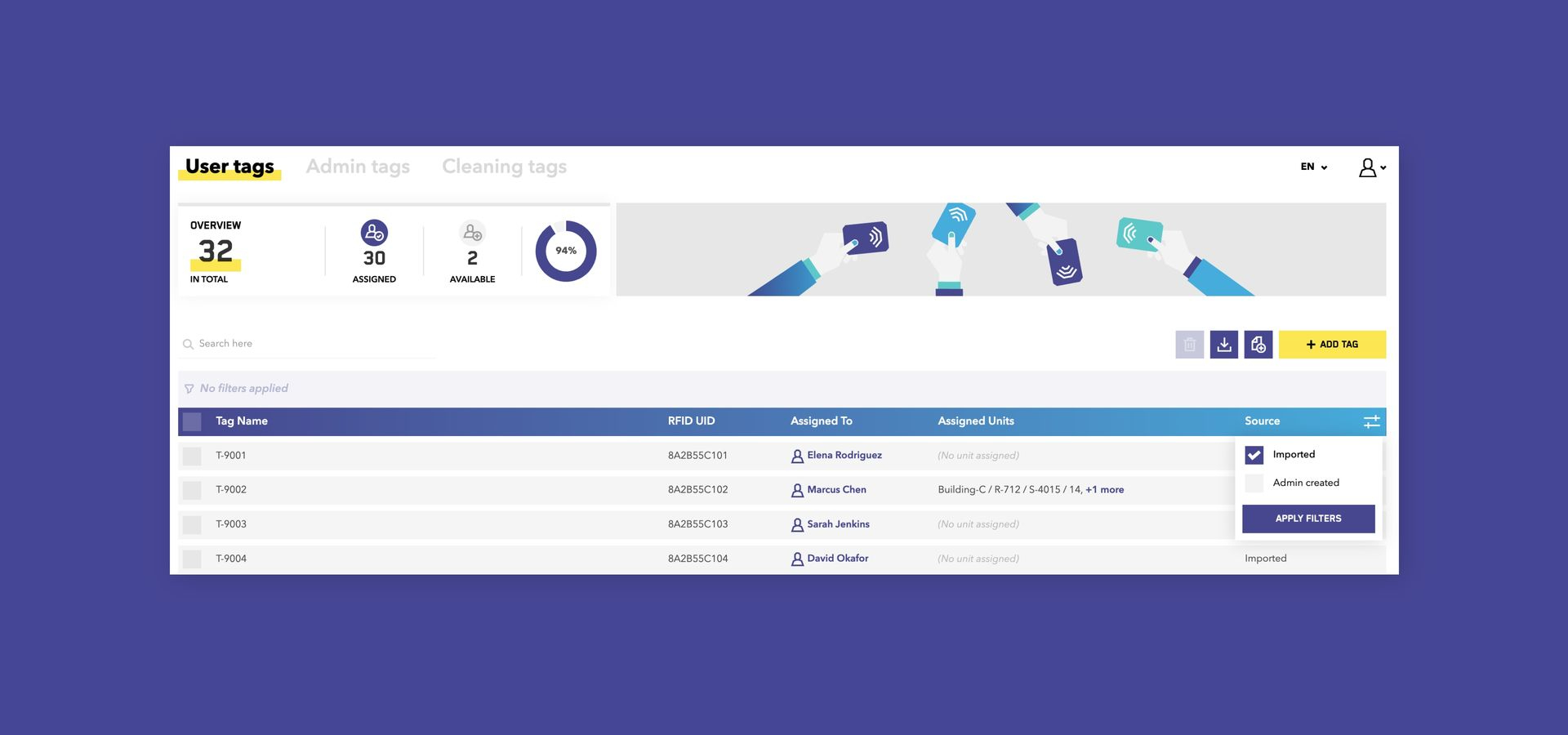
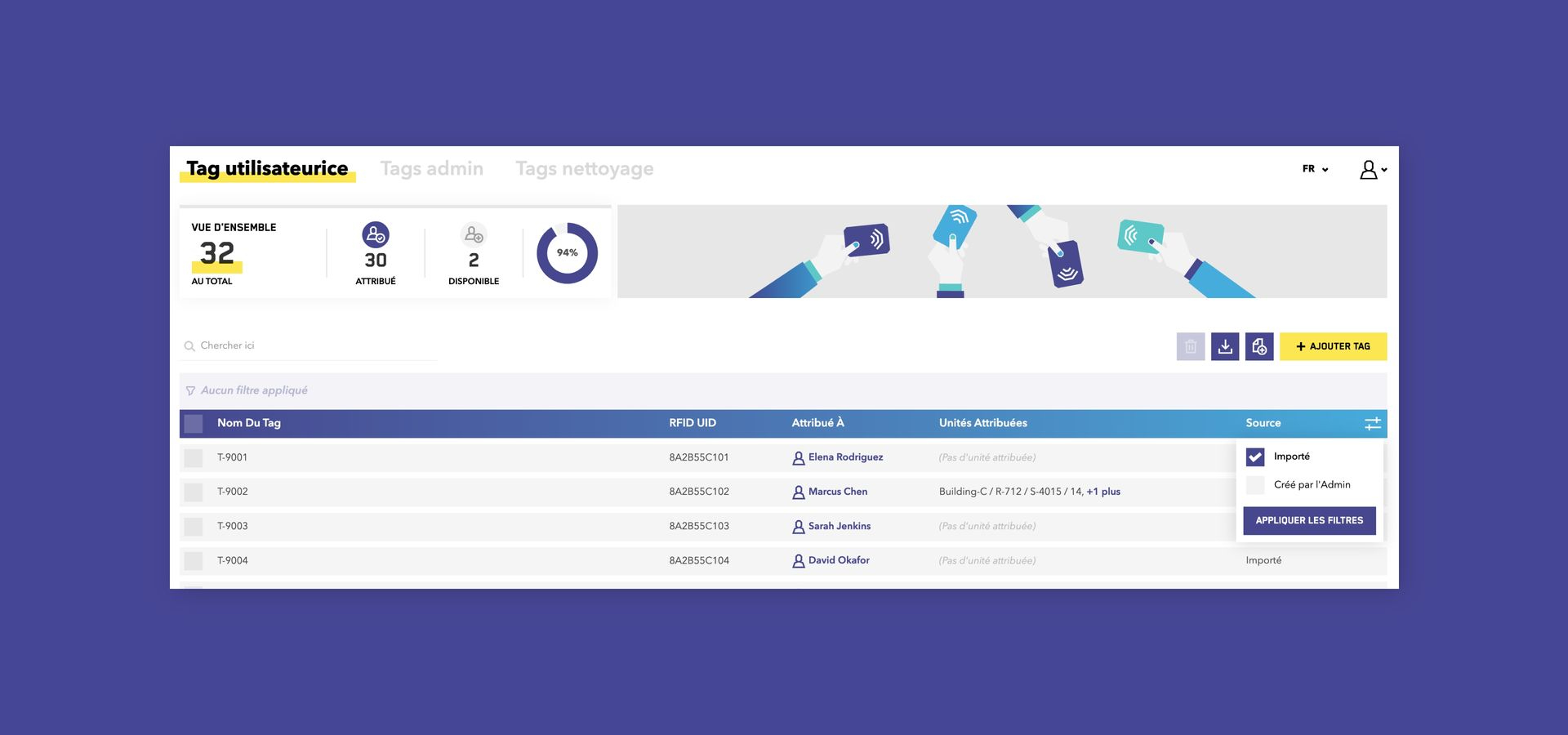
- Filterable Tag Source: The Source column on the Tags pages can now be filtered, e.g. to quickly review imported tags.
- Clearer Sync Error Messages: A more helpful error message when assignments cannot be synchronized to a system, so you understand faster what went wrong.
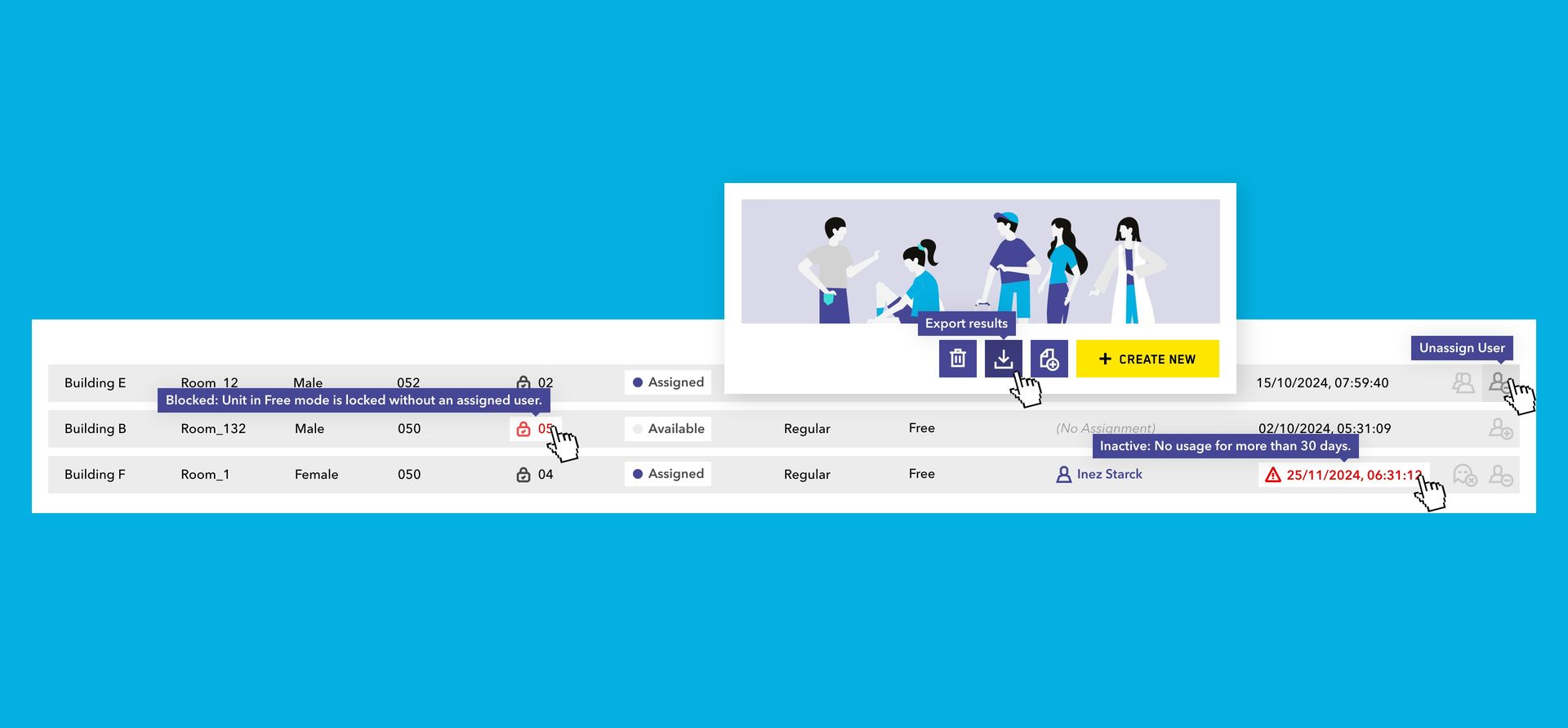
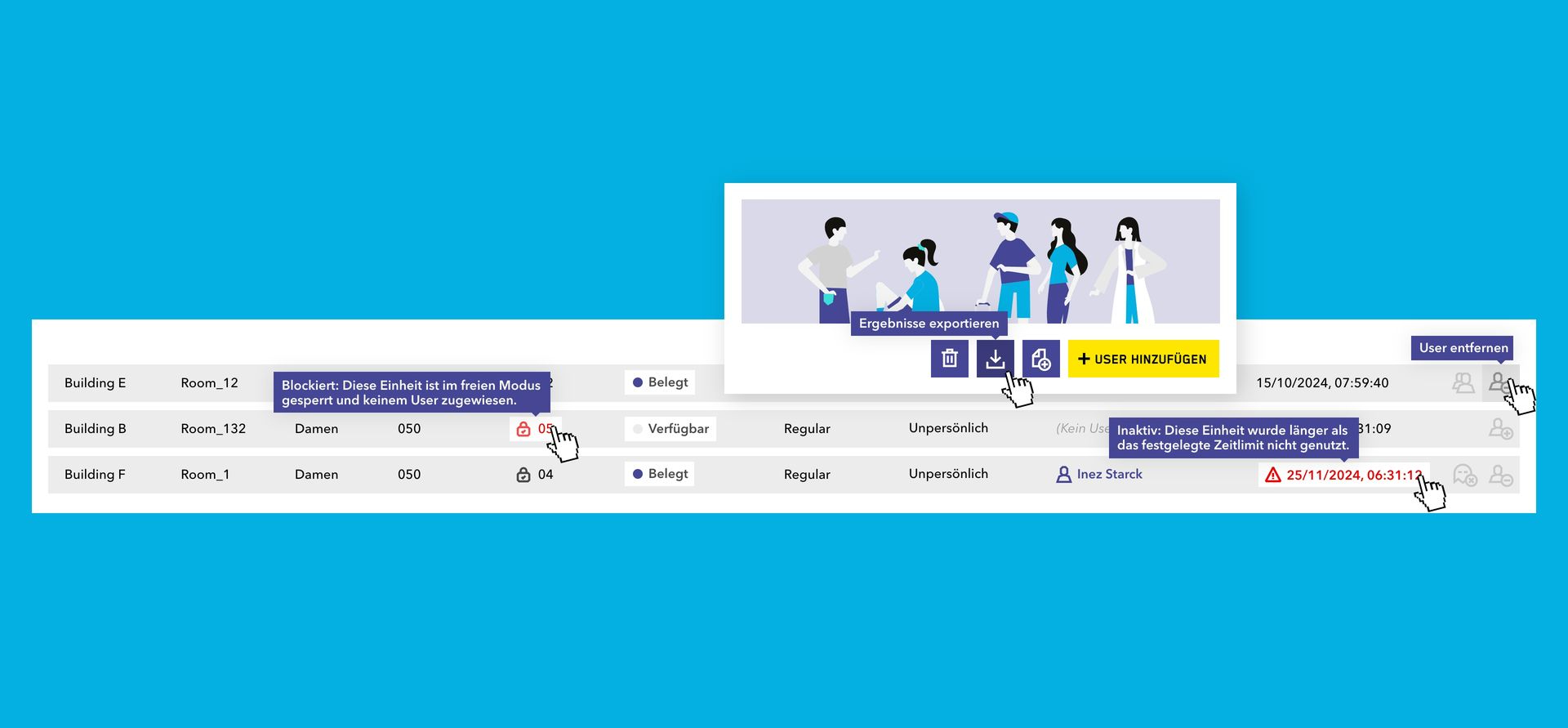
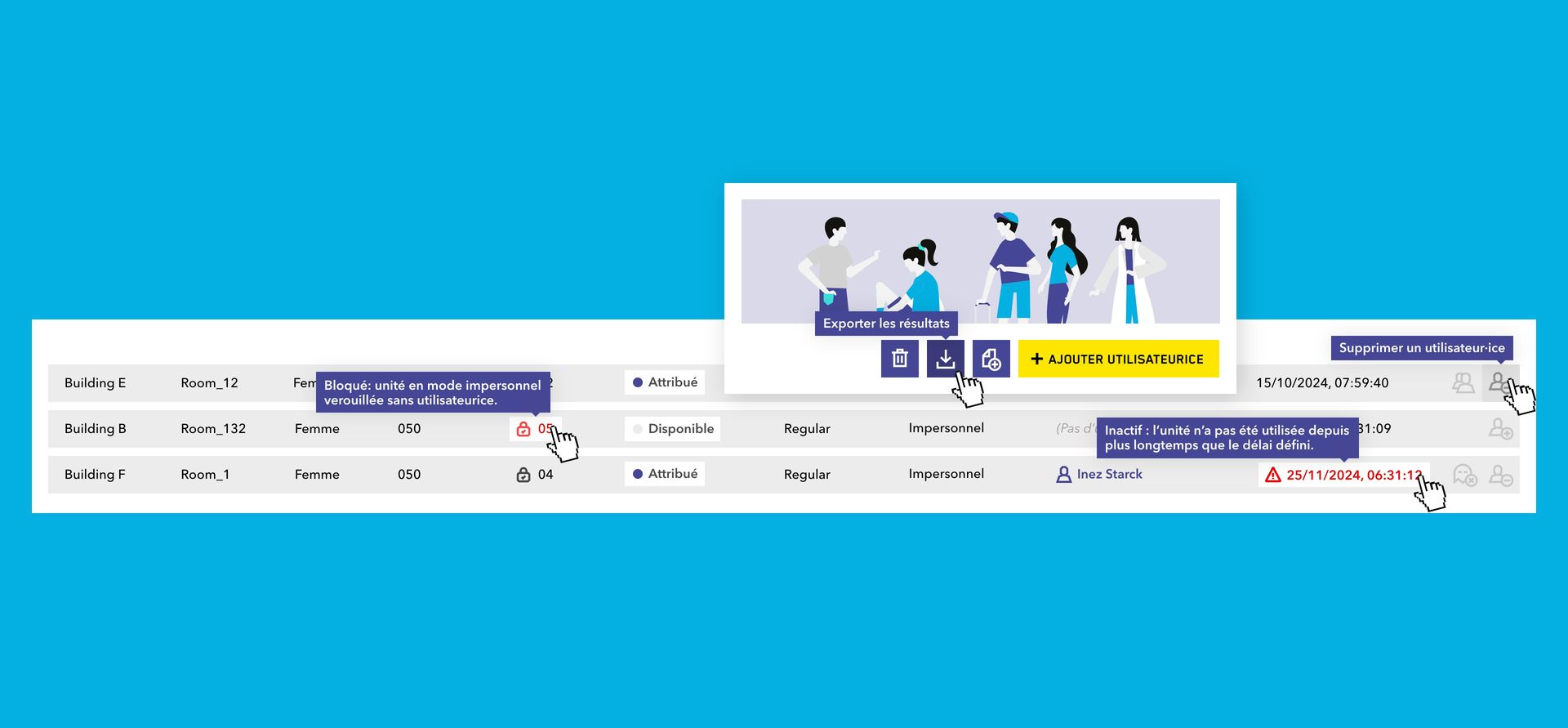
- Consistent Tooltips: All icon buttons, in table rows and above tables, now show a tooltip explaining their action.
- Flexible Unit Selection in the User Editor: When assigning a unit from the User editor, the list is pre-filtered to units matching the user's gender and "All genders" units. The filter can be removed if needed, and a warning appears if a unit with a different gender designation is selected.
- Updated Terminology: "Neutral" has been renamed to "All genders". The user gender field is now optional; users previously set to "Neutral" now have no gender set.
Data Quality & IT Administration
- User ID in Exports: User exports now include each user's ID (external ID).
- Benefit: Match ZippManager data reliably with HR, identity and access management or other company systems.
- Unique User Emails: Each email address can now only be used for one user.
- Benefit: Prevents duplicate user records and keeps your user base clean, especially with bulk imports.
- Faster, Safer Updates: Our deployment tooling has been strengthened with additional safeguards during database updates, rollback options and clearer status feedback.
- Benefit: New ZippManager versions reach you more efficiently, with lower risk and less downtime.